 8.0
Editor's choice
Apple · Laptops
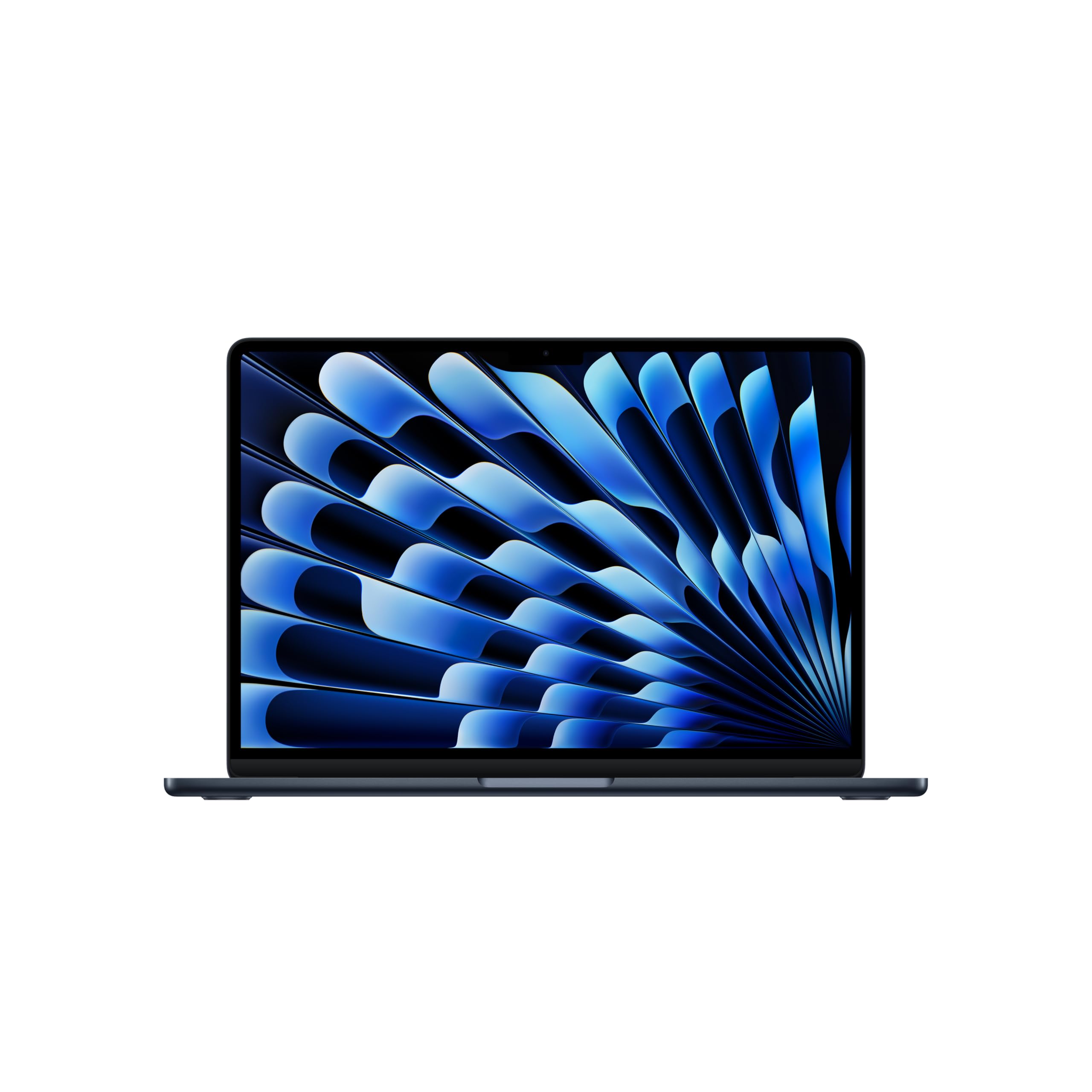
Apple MacBook Air 13 (M4)
The MacBook Air is the default developer laptop in 2026 for a reason.
See price at Amazon
Every headphone, keyboard, mouse, monitor, laptop, accessory and jewelry piece we recommend, ranked and compared with live Amazon prices.
8.0The MacBook Air is the default developer laptop in 2026 for a reason.
 8.0
The S2722QC has been our default recommendation for a plain, excellent 4K work monitor for a while now.
 8.0
The Evolve2 65 is the headset we hear most clearly from on calls.
 8.0
 8.0
The 990 Pro is the drive we put in our own machines.
 8.0
The AX55 is the router we recommend when someone asks for "a good one that is not expensive".
 8.0
If you like to open the router settings and actually use them, ASUS is the brand.
 8.0
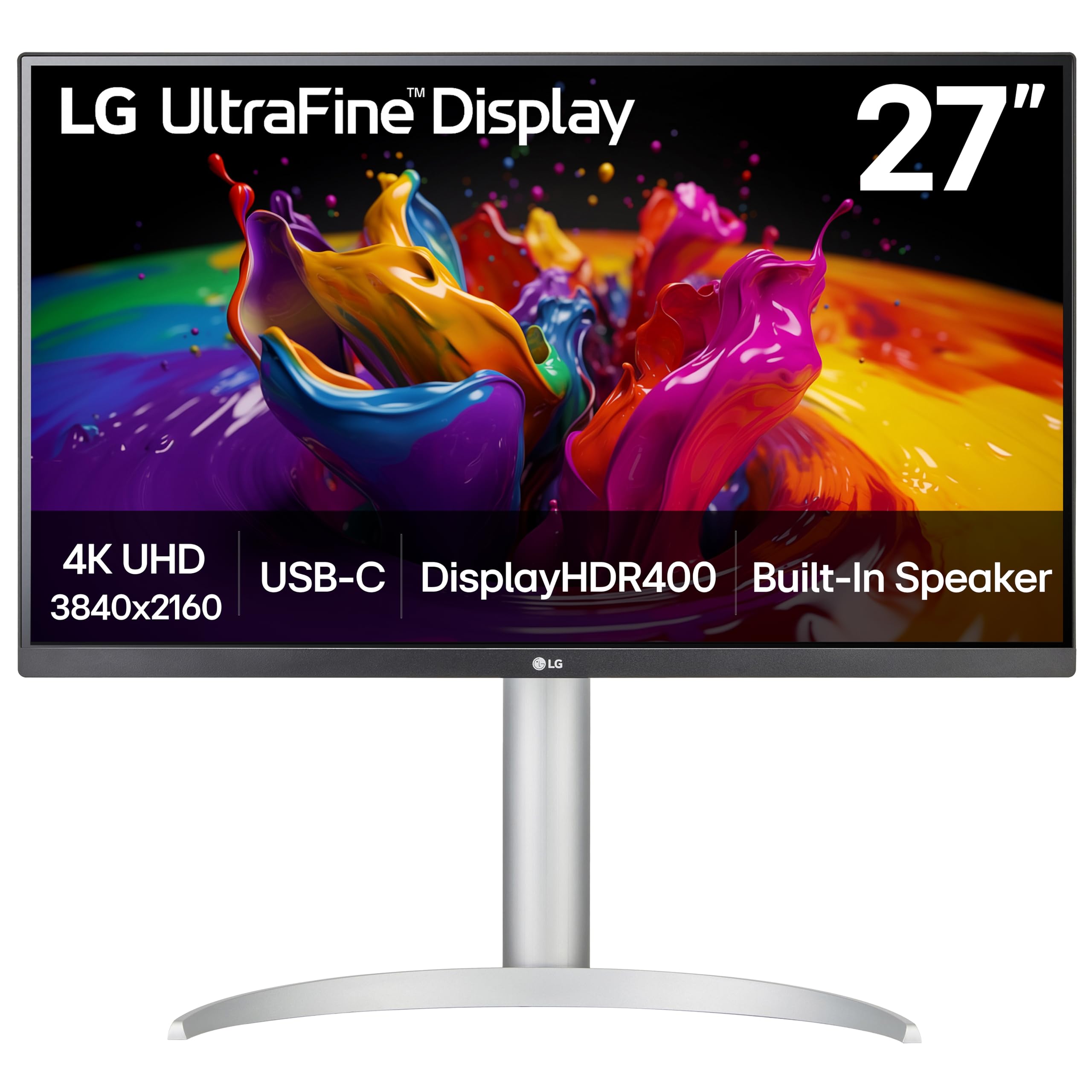
The TS4 is the dock you buy once.
 8.0
If you have a larger laptop, the Dell's 65W is not quite enough and the laptop slowly discharges under load.
 8.0
The M720 is the budget answer to "I want the MX Master features but not the price".
 7.6
The Zone Vibe is what a lot of people should actually buy: a light, comfortable headset that sounds good on calls and does not cost much.
 8.0
The RK61 exists on this list because it is the cheapest keyboard we would actually recommend.
 8.0
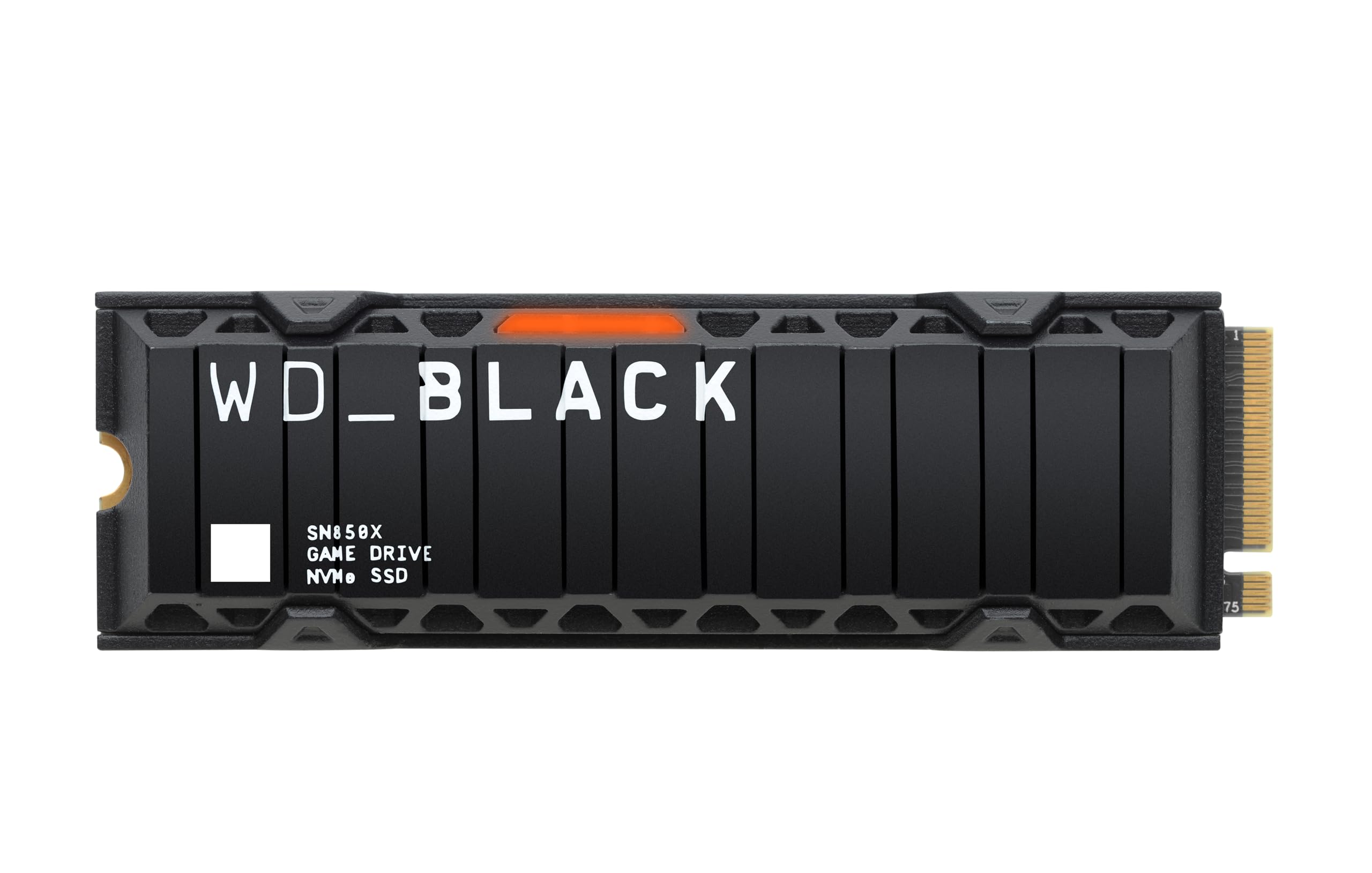
The SN850X is the 990 Pro's equal for gaming and often wins on price.
 8.0
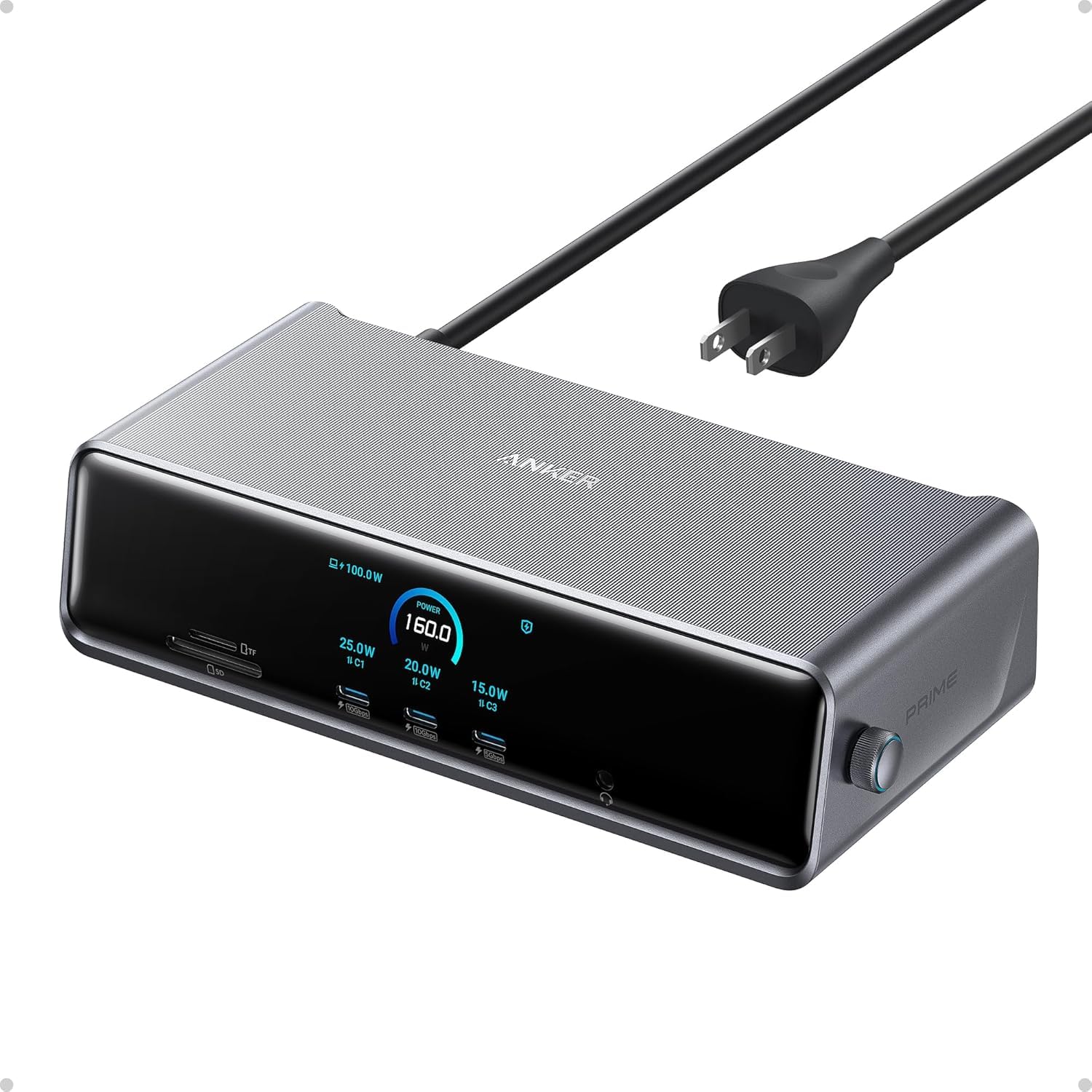
The 575 is the dock for people whose laptop does not have Thunderbolt, or who do not need the TS4's bandwidth.
 8.8
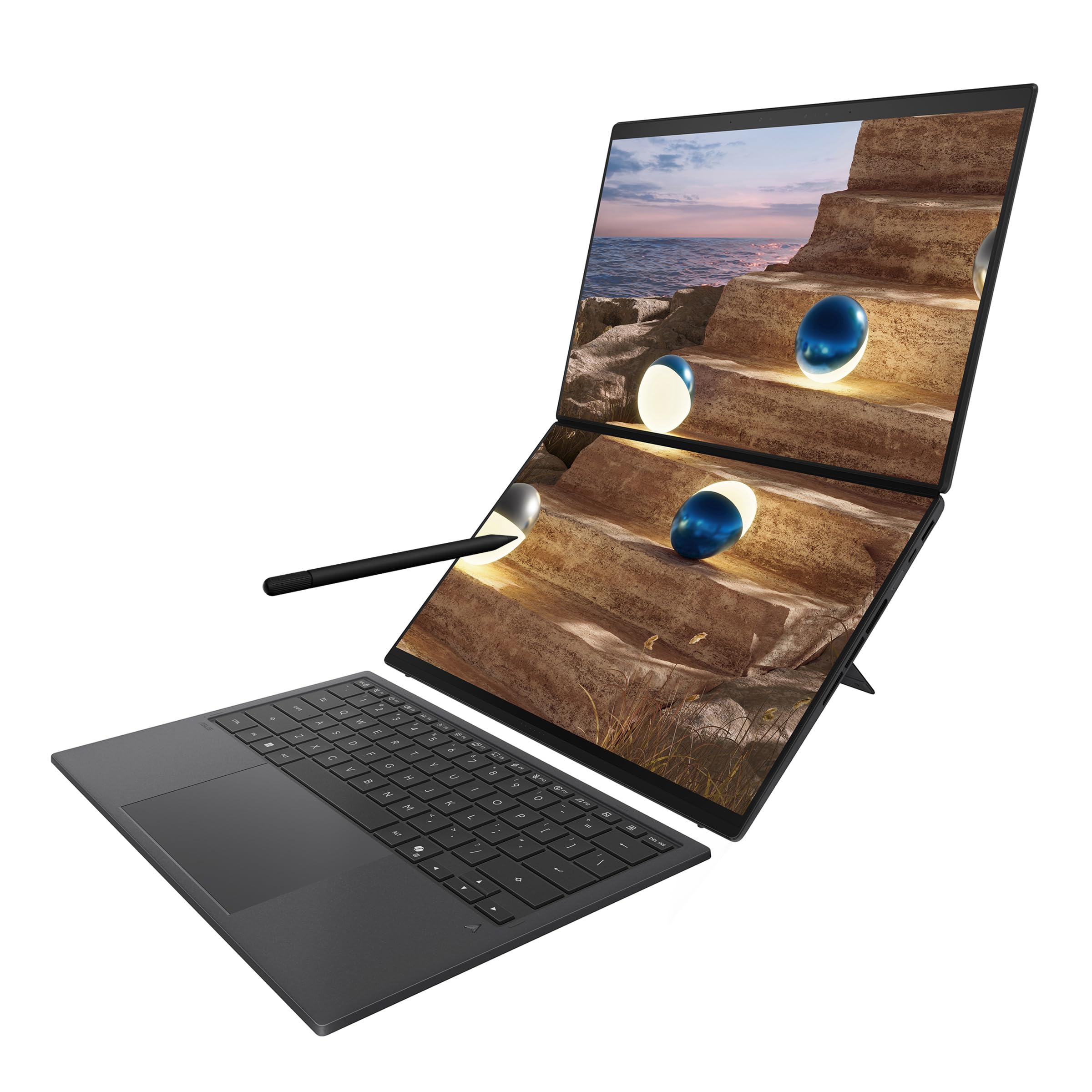
The Zenbook 14 OLED gets you most of what the ThinkPad and MacBook offer for noticeably less.
 8.0
The PD2706U is for people who code most of the day and also touch Photoshop, Figma or Lightroom.
 8.0
The T500 is the drive that made us stop recommending mid-range drives from other brands.
 8.0
If your wrist or forearm hurts after a workday, a vertical mouse is the first thing to try.
 8.0
If you switch between a laptop keyboard and a desk keyboard, a normal-height mechanical board can feel like a step ladder.
 8.0
If you take calls in a genuinely loud place, an open-plan office or a house with children, the Voyager Focus 2 is the one.
 8.0
The AX21 is the AX55's smaller sibling and it has been the best-selling budget Wi-Fi 6 router for a reason.
 8.0
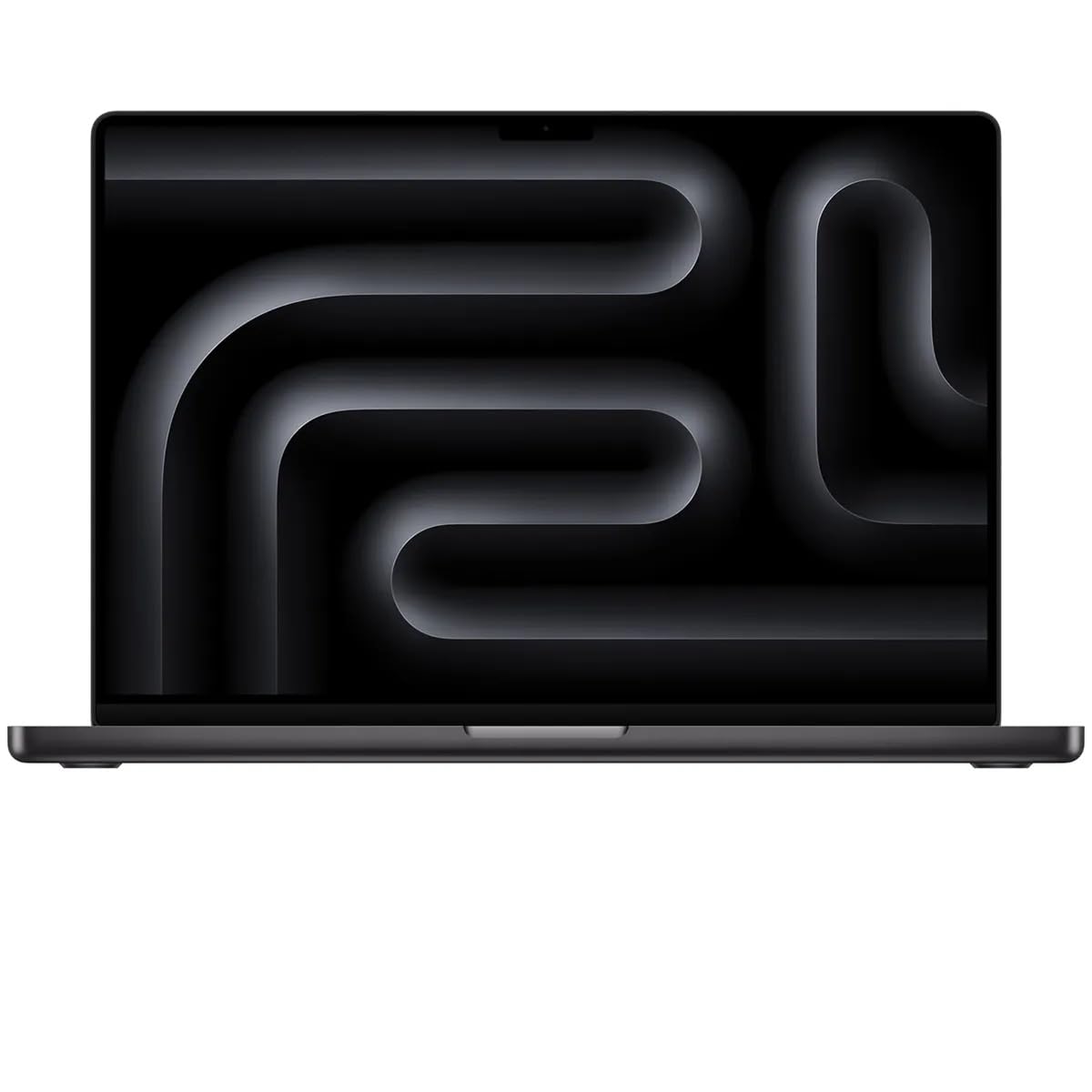
If you compile big native codebases, run several containers and a VM at once, train small models locally, or do mobile development with simulators open all day, the Pro is worth the step up from the Air.
 8.0
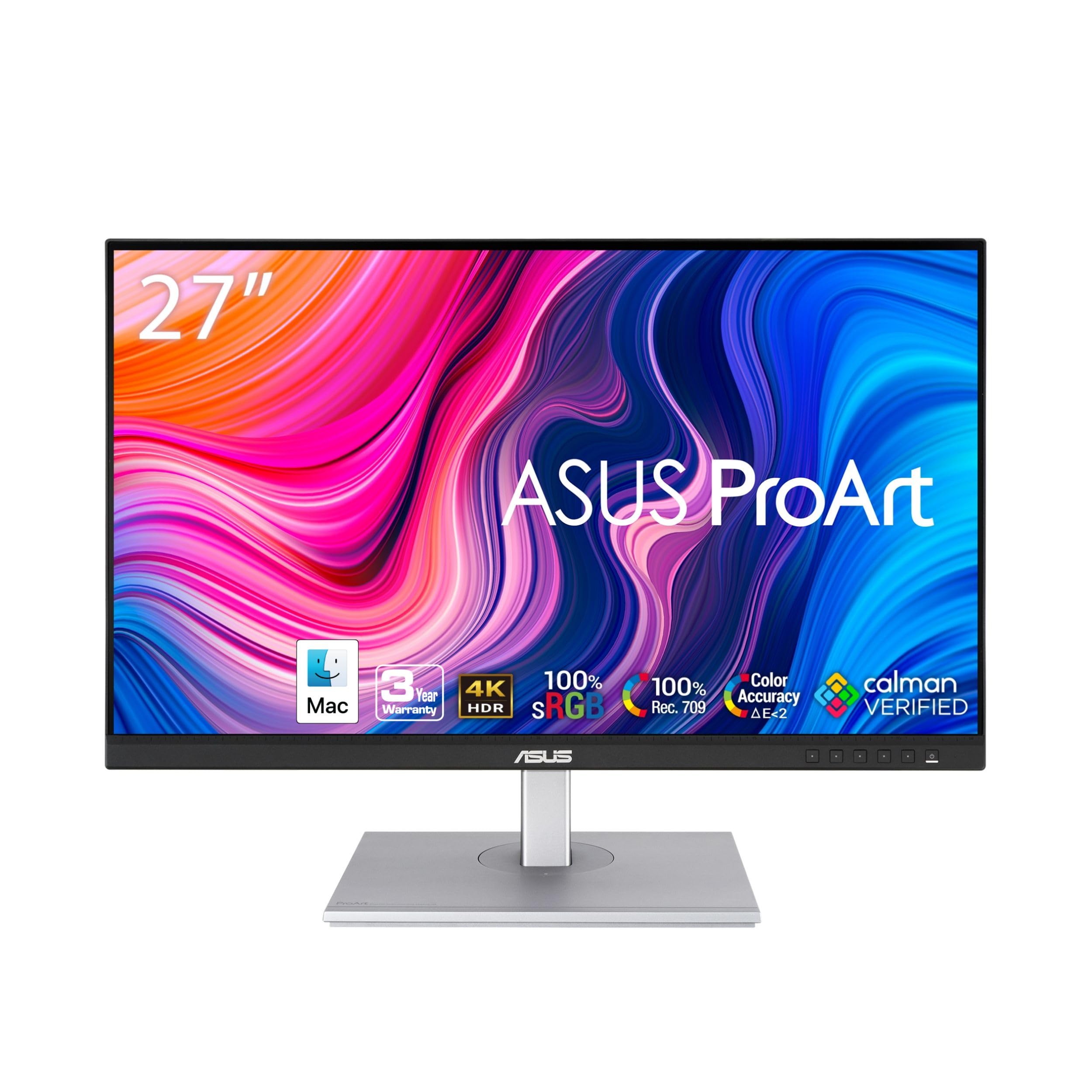
The PA279CV gets you a calibrated, accurate monitor without paying BenQ money.
 8.0
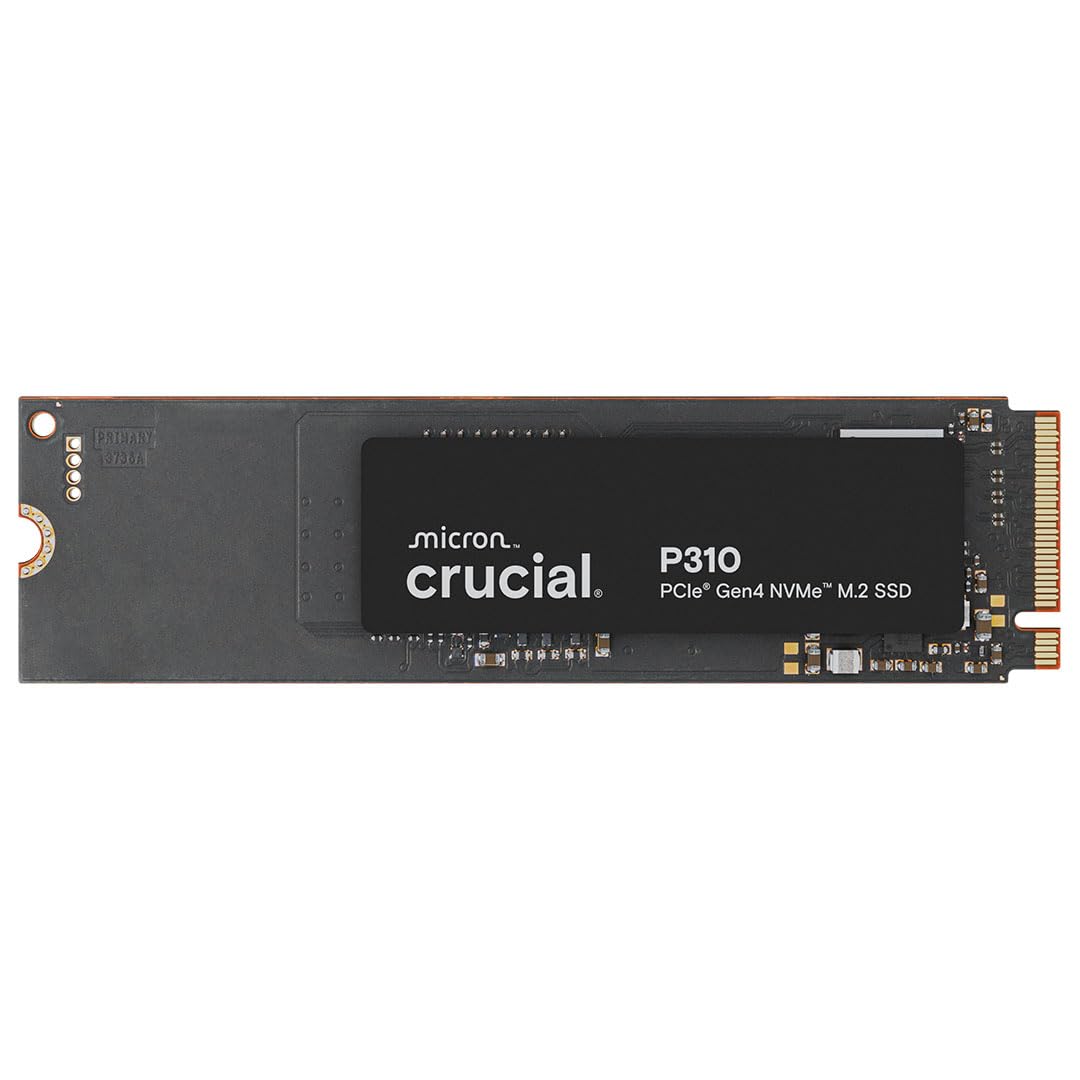
The P3 Plus is for one job: a big, cheap second drive for games and media.
 8.0
EPOS is the enterprise arm that spun out of Sennheiser, and it shows in the audio: the ADAPT 260 sounds noticeably better for music and video than the Jabra or Poly.
 9.0
The Anywhere 3S is the MX Master's little sibling.
 8.0
The MX Mechanical is the "just works" pick for people already using a Logitech MX mouse.
 8.0
Some laptops, and every base-model M-series MacBook, can only natively drive one external display.
 8.0
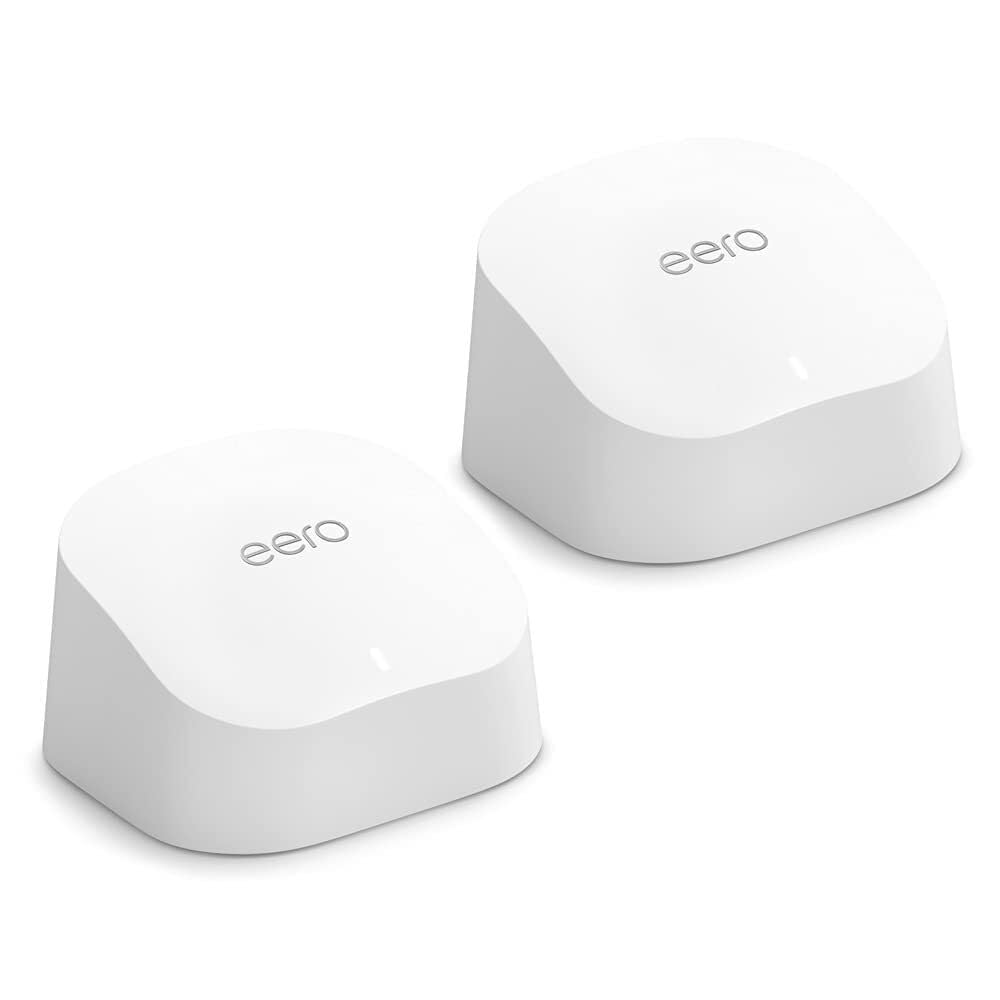
The eero 6+ is for the person who never wants to see a router settings page.
 8.0
If you edit 4K or 8K video, work with large datasets, or copy tens of gigabytes between drives daily, a Gen 5 drive pays for itself in time saved.
 8.0
 8.0
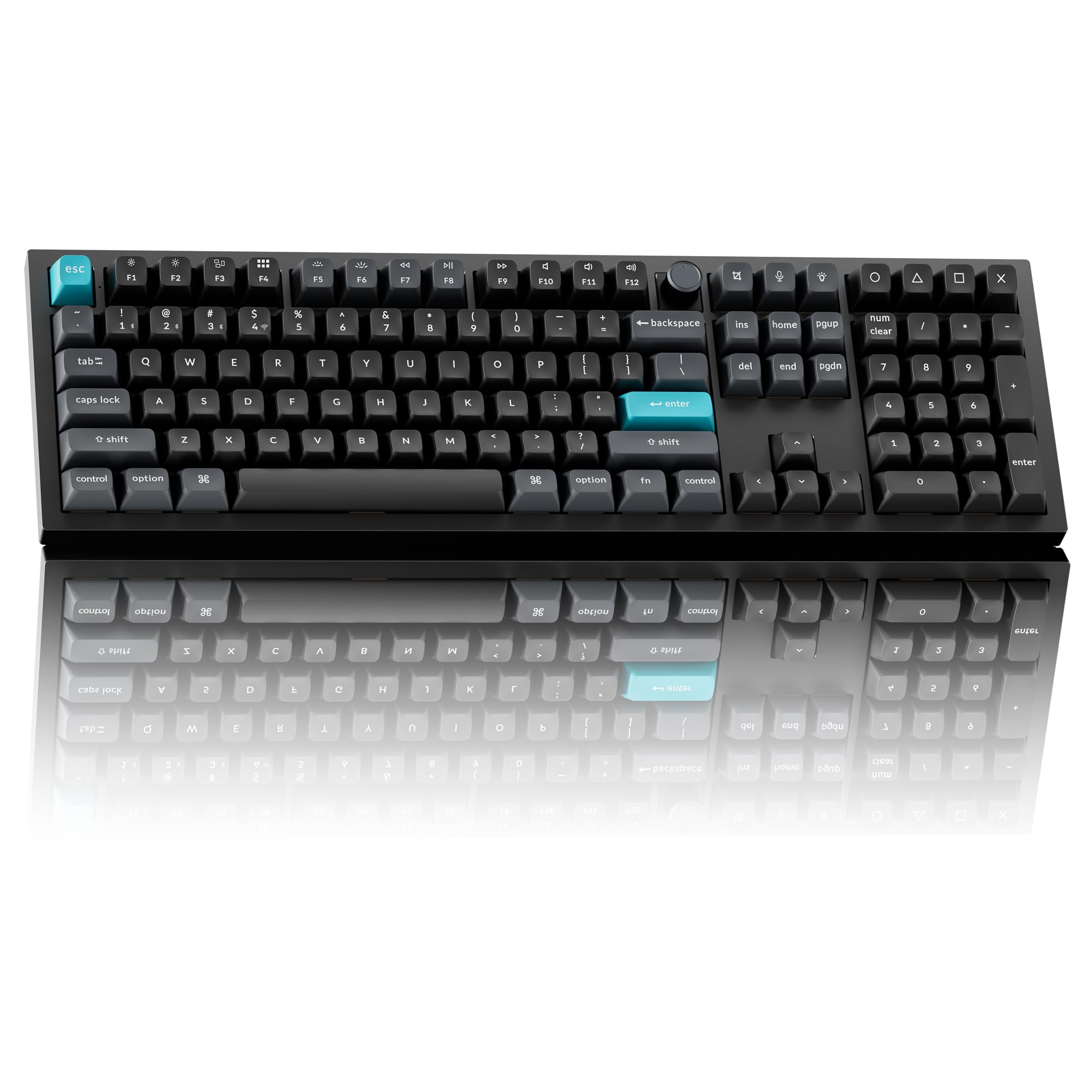
The M650 is the mouse we recommend to people who ask "just tell me a cheap, quiet one that works".
 8.0
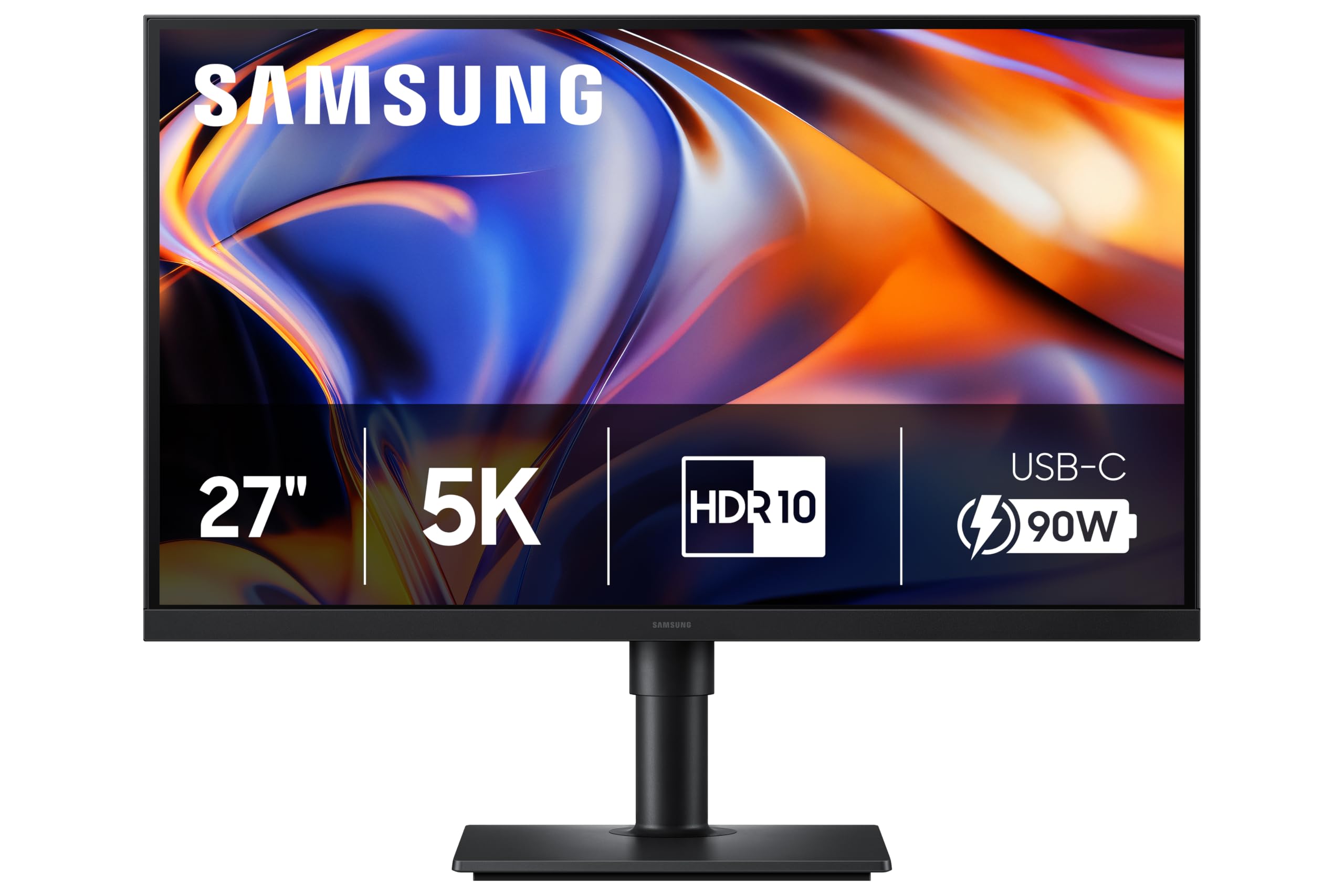
The ViewFinity S8 is a dock and a monitor in one box.
 8.0
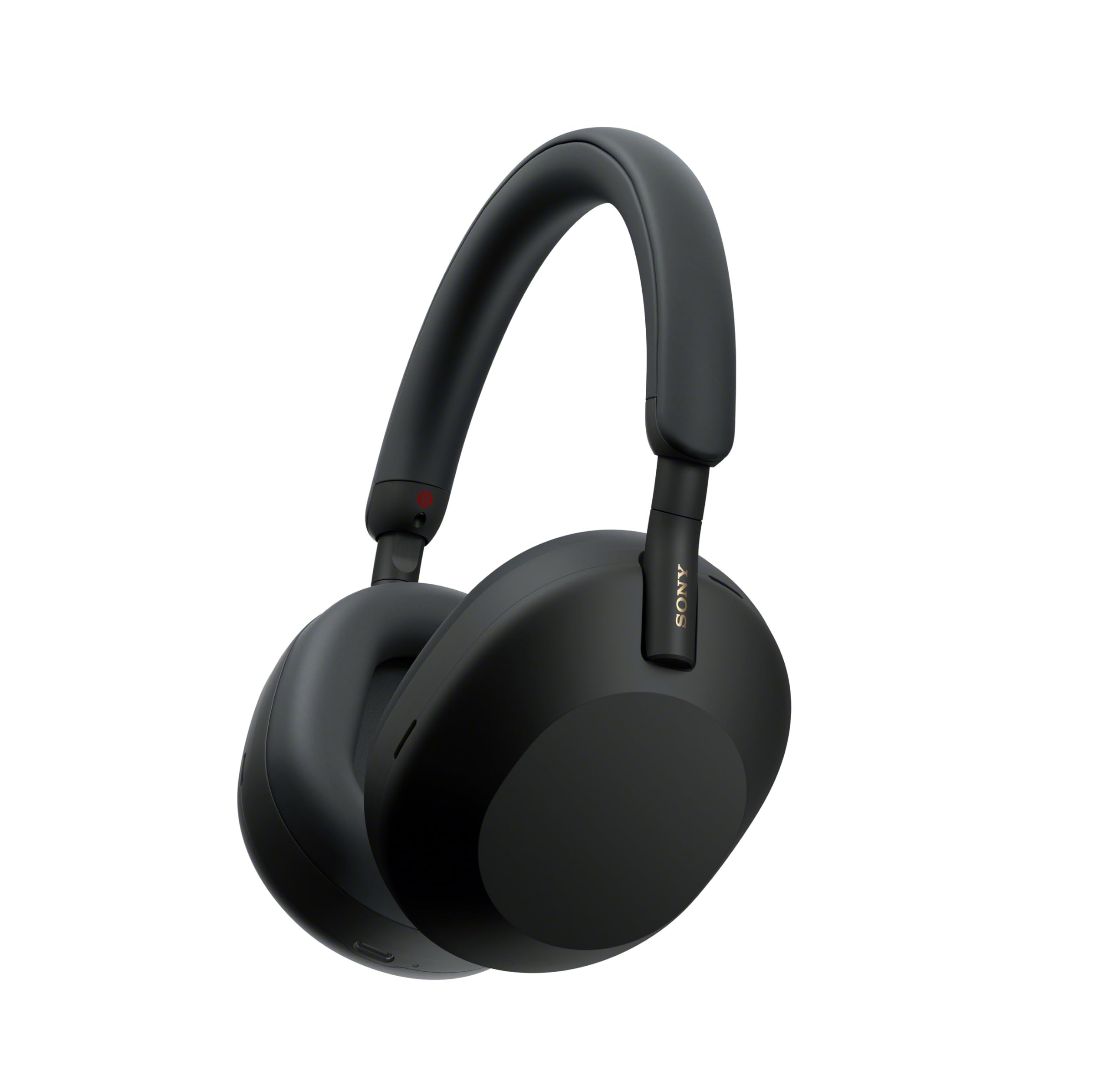
Some people will not wear a boom mic, and for them the XM5 is the least-bad option.
 8.0
If the Anker 555 is more than you want to spend, the Revodok Pro does almost the same job for less.
 8.0
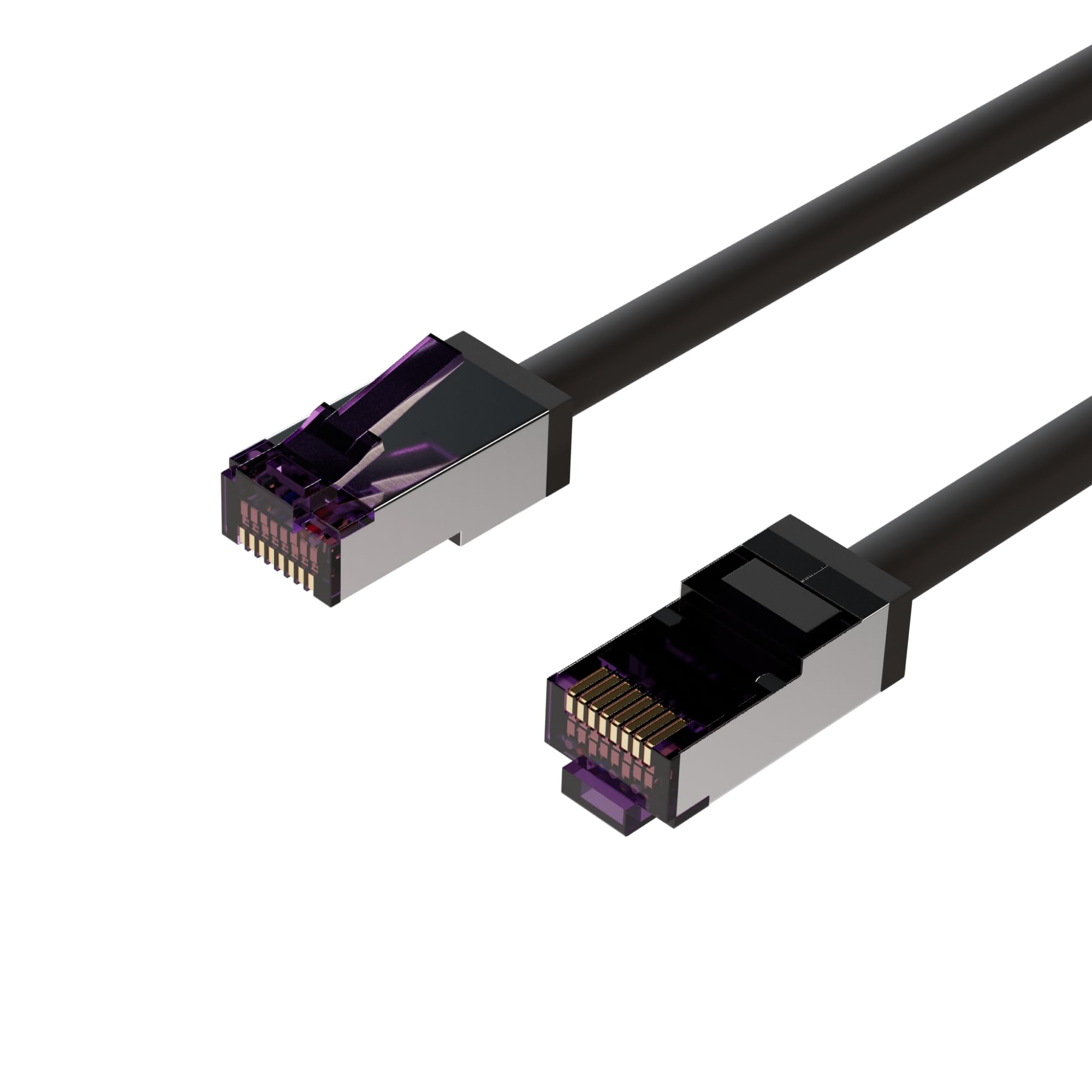
Cat. Standard 6A: soddisfa i requisiti all'avanguardia con frequenze di trasmissione fino a 500 MHz ed è adatto per 10GBASE-T e classi di ve
 8.0
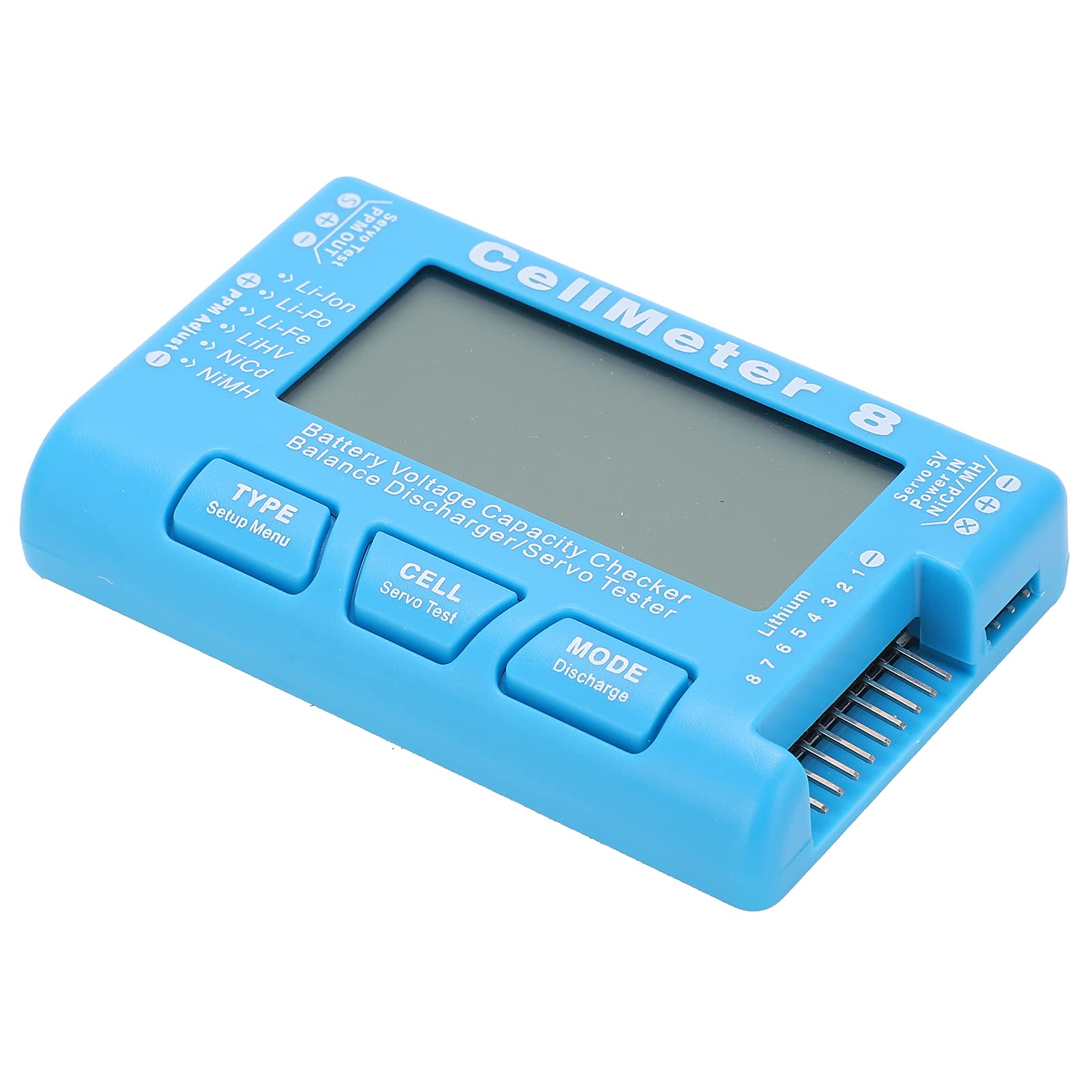
The battery capacity checker has high visibility LCD display screen, with backlight function and high accuracy of battery voltage test.
 8.0
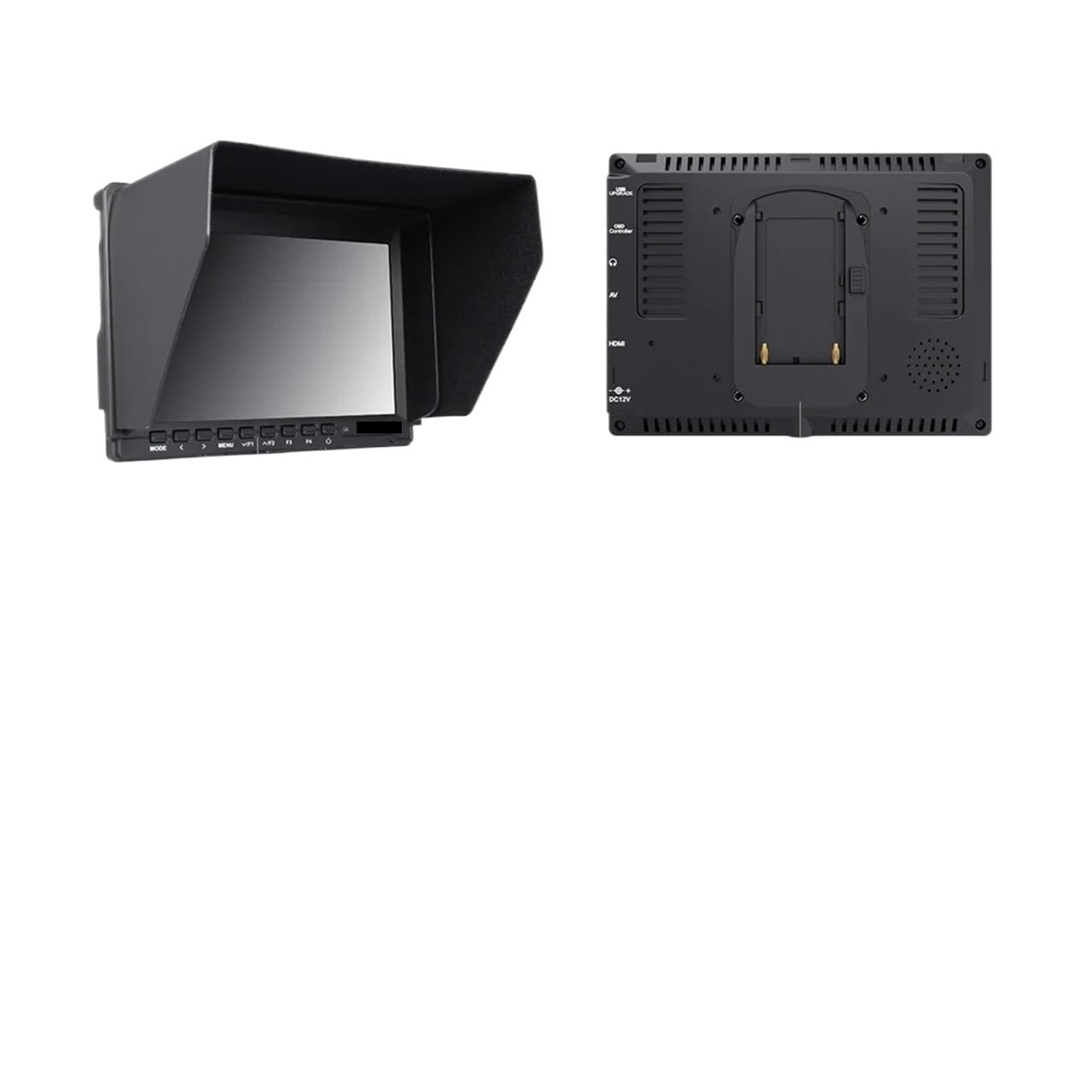
Clear vision: The brand new screen is free of scratches and ageing, displaying images and menu text clearly and sharply, making it comfortab
 8.0
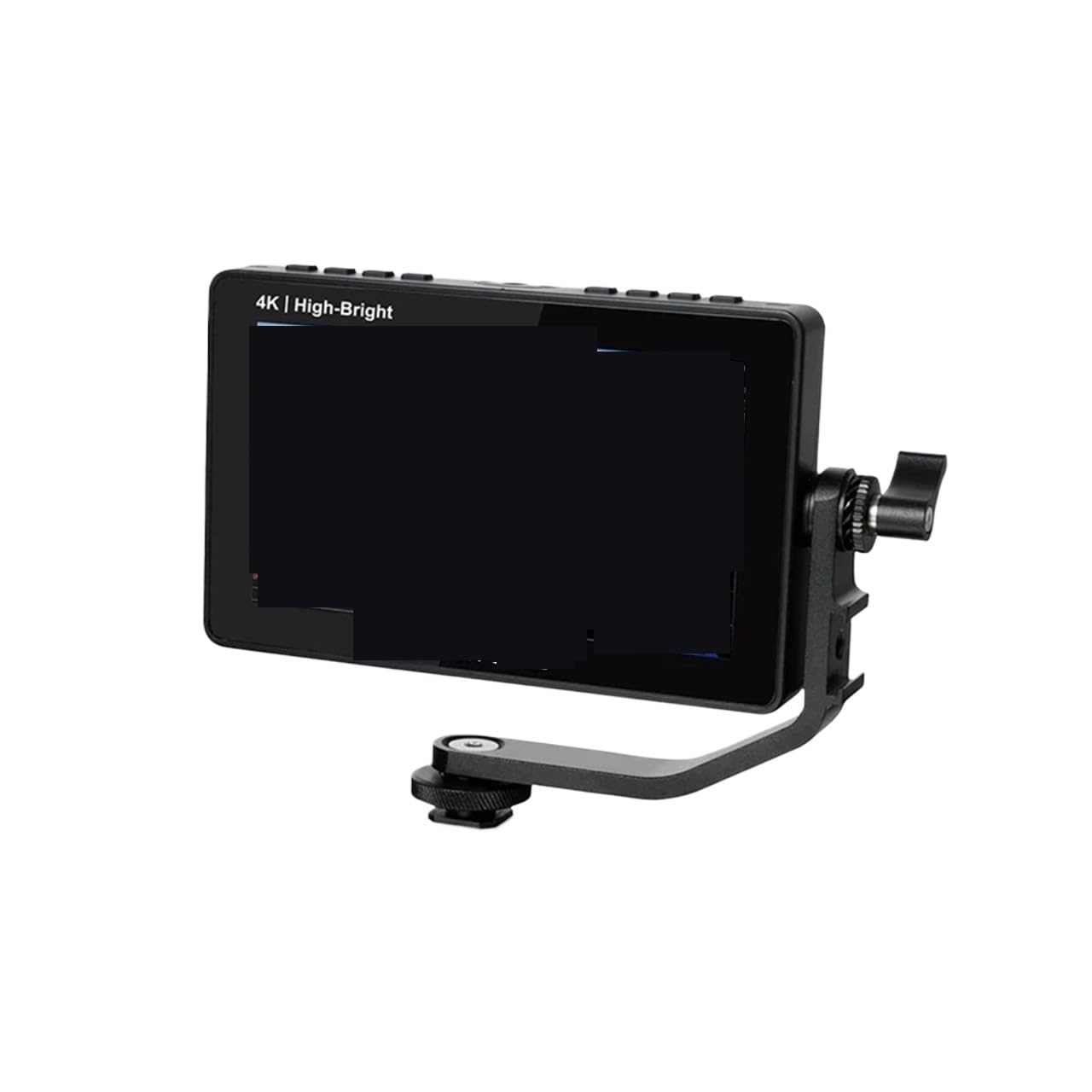
Clear vision: The brand new screen is free of scratches and ageing, displaying images and menu text clearly and sharply, making it comfortab
 8.0
Clear vision: The brand new screen is free of scratches and ageing, displaying images and menu text clearly and sharply, making it comfortab
 8.0
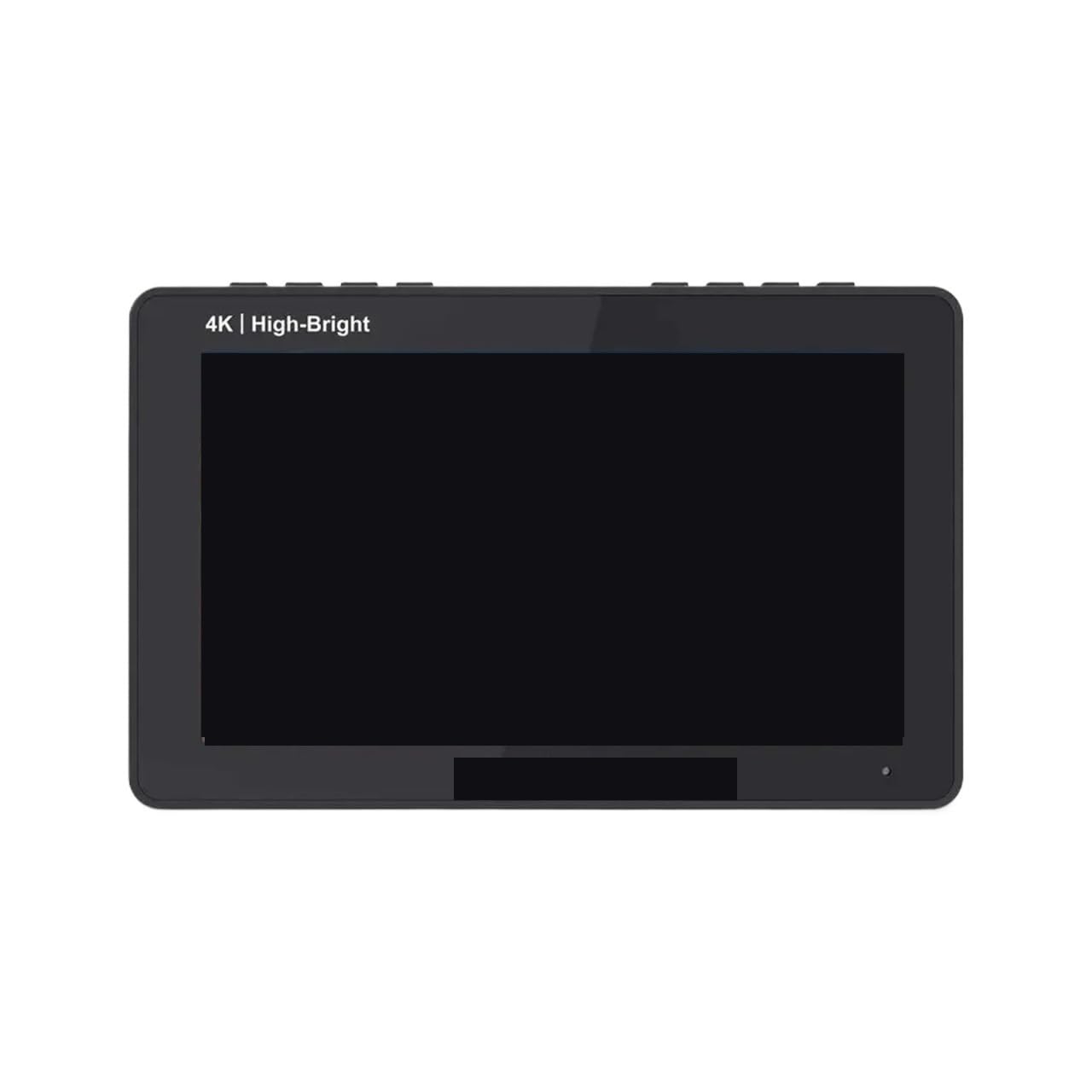
Clear vision: The brand new screen is free of scratches and ageing, displaying images and menu text clearly and sharply, making it comfortab
 8.0
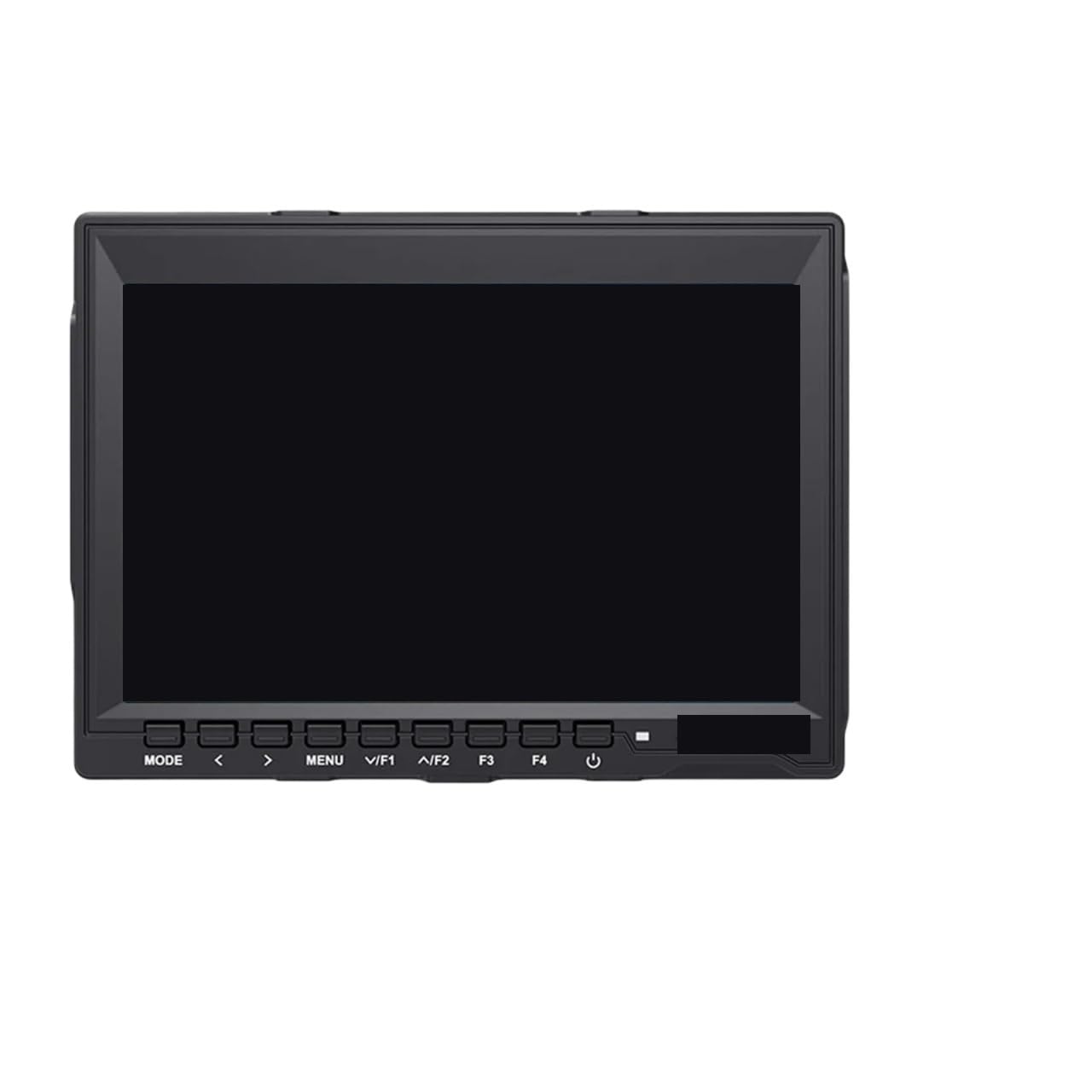
Clear vision: The brand new screen is free of scratches and ageing, displaying images and menu text clearly and sharply, making it comfortab
 8.0
Fully functional: restores all original screen functions after replacement, such as touch control and brightness adjustment, ensuring the sh
 8.0
Fully functional: restores all original screen functions after replacement, such as touch control and brightness adjustment, ensuring the sh
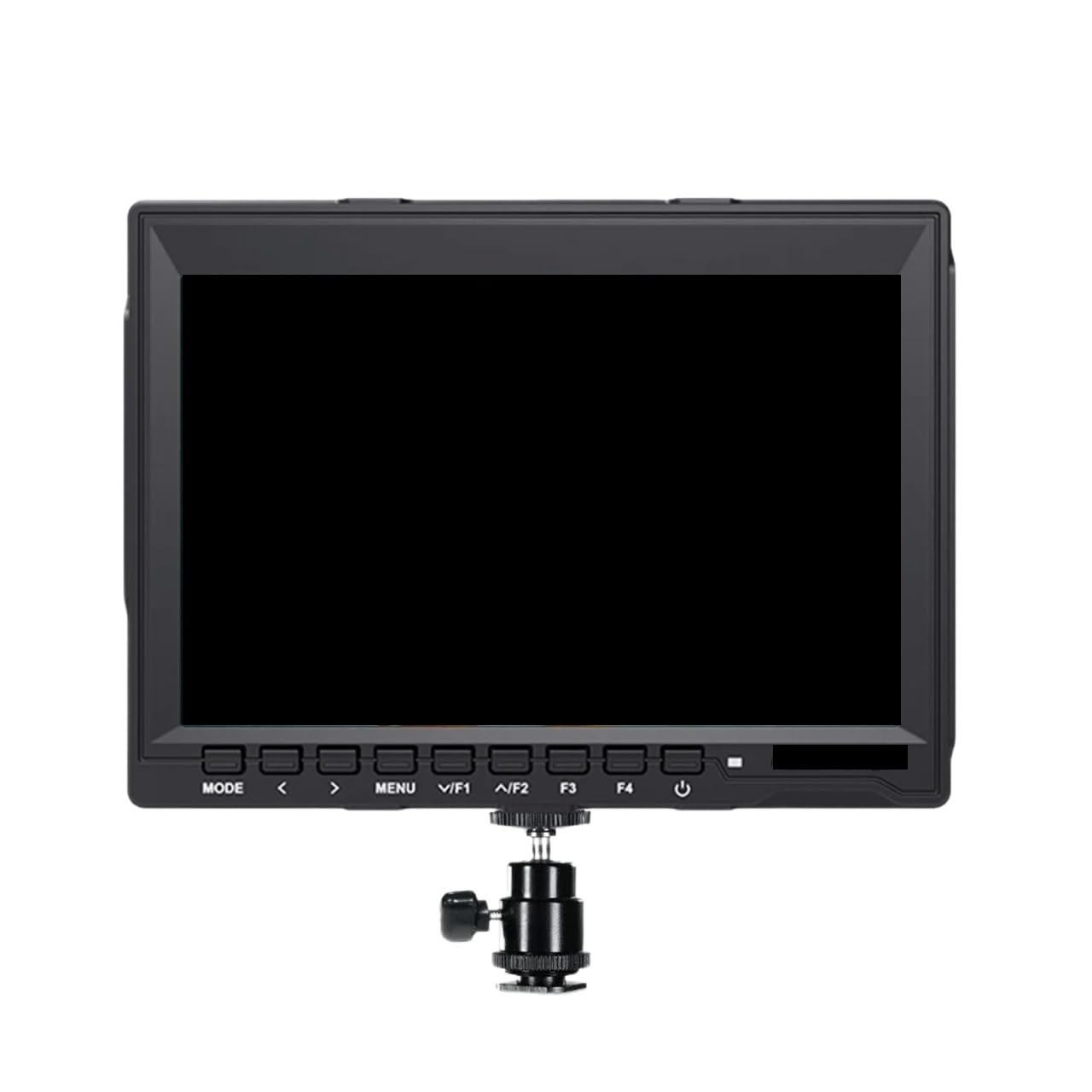
8.0Clear vision: The brand new screen is free of scratches and ageing, displaying images and menu text clearly and sharply, making it comfortab
 8.0
Clear vision: The brand new screen is free of scratches and ageing, displaying images and menu text clearly and sharply, making it comfortab
 8.0
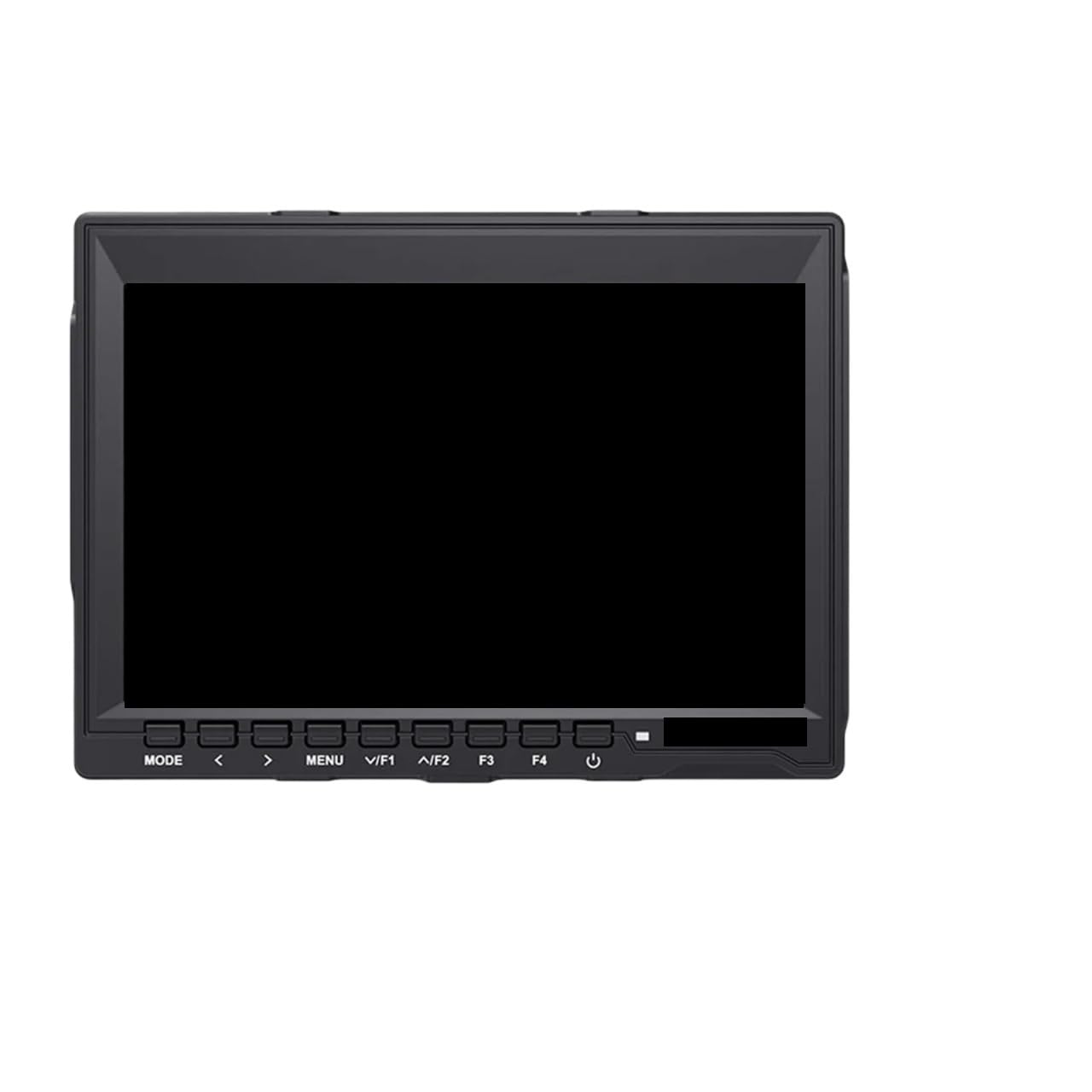
Clear vision: The brand new screen is free of scratches and ageing, displaying images and menu text clearly and sharply, making it comfortab
8.0Clear vision: The brand new screen is free of scratches and ageing, displaying images and menu text clearly and sharply, making it comfortab
No products match those filters.