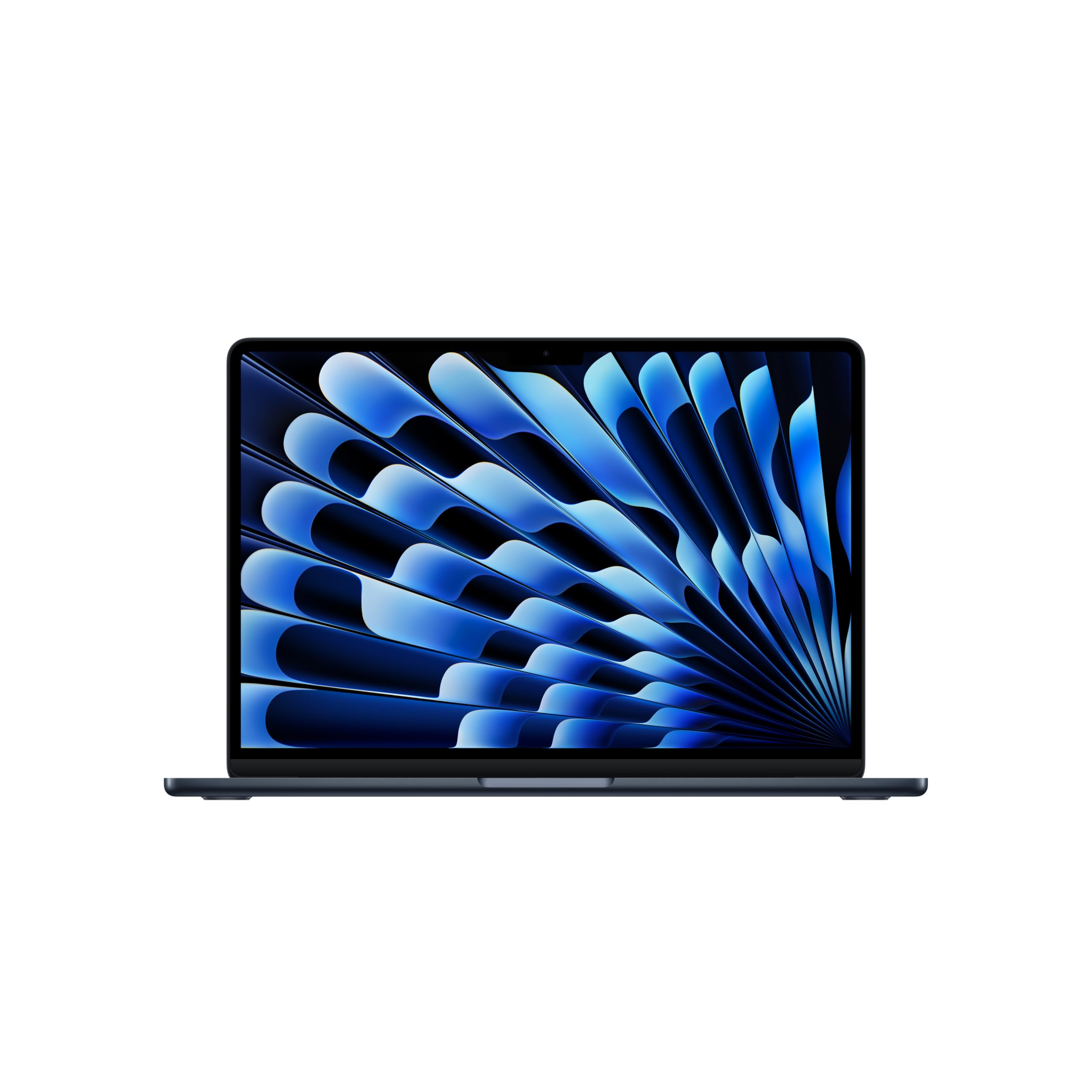
A programming laptop has different priorities from a gaming laptop or a general one. You need enough RAM to run an IDE, a browser with forty tabs, Docker and a database at once. You need a keyboard you can type on for hours. You need a screen sharp enough for small text. And you need a battery that survives a day of meetings without the charger.
You do not need a discrete GPU unless you do machine learning or game development, and you do not need the thinnest laptop on the market. We picked five from our catalog with those priorities in mind. All five run Windows 11, because the catalog has no current MacBook with owner reviews to judge. We have not used every one ourselves; the verdicts lean on the listed specs and on owner reviews. Prices are not printed because they change daily; every button opens the live Amazon page.
What to look for
- RAM: 16GB minimum, 24GB or 32GB recommended. Modern development stacks eat memory. Most laptops now solder RAM, so buy what you will need in three years.
- Storage: 512GB minimum. Node modules, Docker images, and SDKs fill 256GB fast. 1TB if you work with large datasets or virtual machines.
- CPU: any current-generation chip is enough. The difference between chips shows up in compile times and battery life, not in whether you can code.
- Screen: at least 1920×1200 on a 14-inch, and prefer 16:10 over 16:9. The extra vertical space is more lines of code. Matte or anti-reflective is better than glossy.
- Keyboard. Key travel and layout matter for eight hours a day. ThinkPads and MacBooks are the benchmarks; test a laptop keyboard in a store if you can.
- Ports. Two USB-C ports minimum. HDMI and USB-A are nice to have; a dock covers the rest.
- Battery: real-world 8 hours or more. Apple silicon and recent Intel Lunar Lake and AMD chips get there. Older Intel chips often do not.
The picks
Lenovo Slim 7i Aura Edition - 2025 - Copilot+ PC - Core Ultra 7 Processor 256V - 14 inch WUXGA OLED Display

The Slim 7i Aura Edition is the laptop on this list that gets the most things right for a developer who moves around. The 14-inch OLED panel is 1920×1200, the 16:10 shape we recommend for code, with 600 nits of peak brightness. The Core Ultra 7 256V runs at a 30W power limit, which is how Lenovo gets to its 17-hour battery figure in a chassis that starts at 2.82 pounds. You get a 1TB SSD and Windows 11 Pro. The limit is memory: 16GB is enough for an IDE, a browser and a few containers today, but it will not stretch to several virtual machines. It is a recent model with a smaller but consistent set of owner reviews with a strong owner rating.
- 14-inch 16:10 OLED screen with DisplayHDR True Black 500
- Lenovo claims 17 hours of battery life
- Aluminum chassis that starts at 2.82 pounds
- 1TB of storage and Windows 11 Pro out of the box
- a strong owner rating from owners
- 16GB of RAM is the floor for professional work, and this listing offers no larger option
- 60Hz screen
- a smaller but consistent set of owner reviews so far
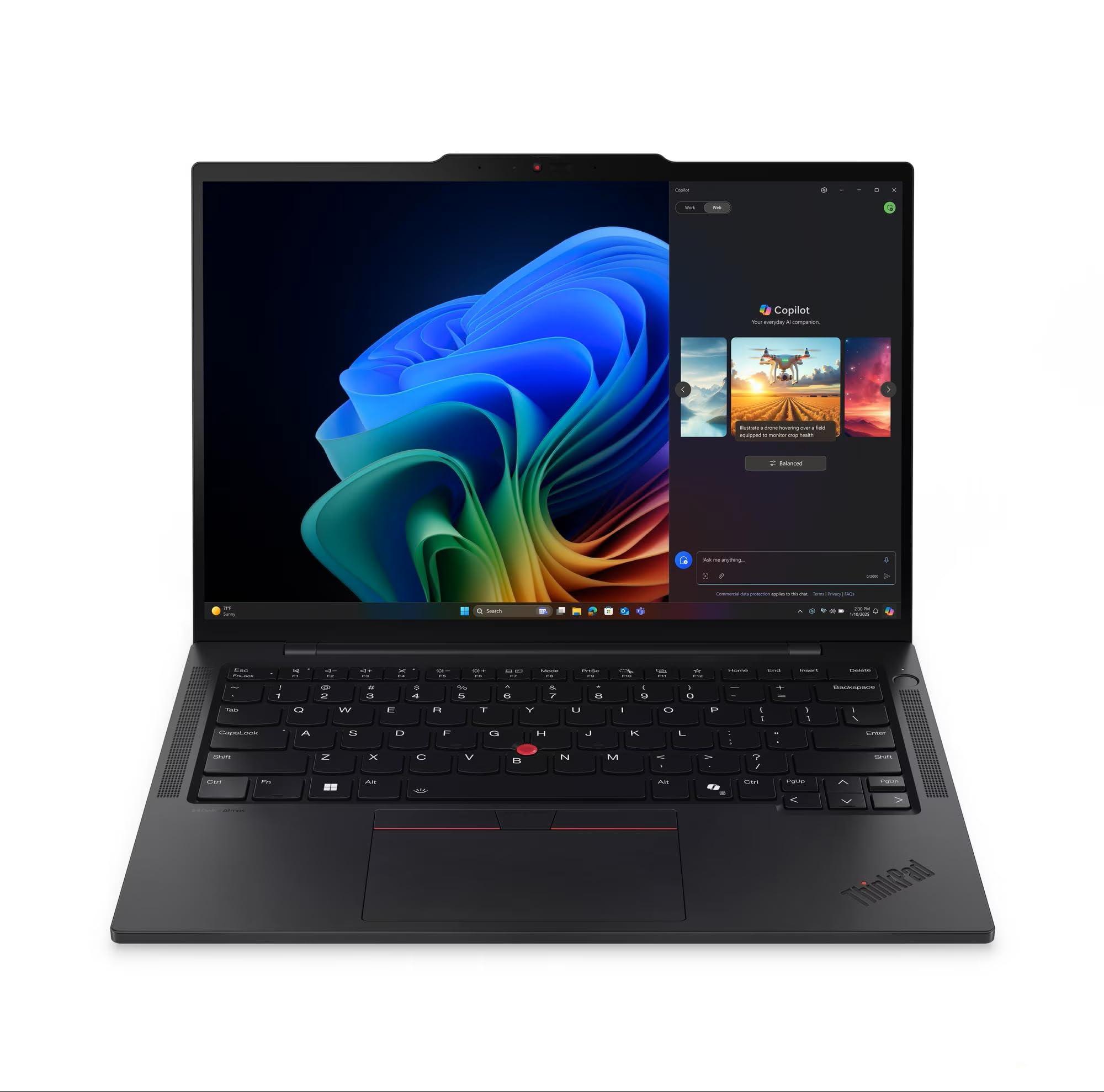
Lenovo ThinkPad E16 Gen 3, Ultra 7 255H, 64GB DDR5 RAM, 8TB SSD, Win 11 Pro
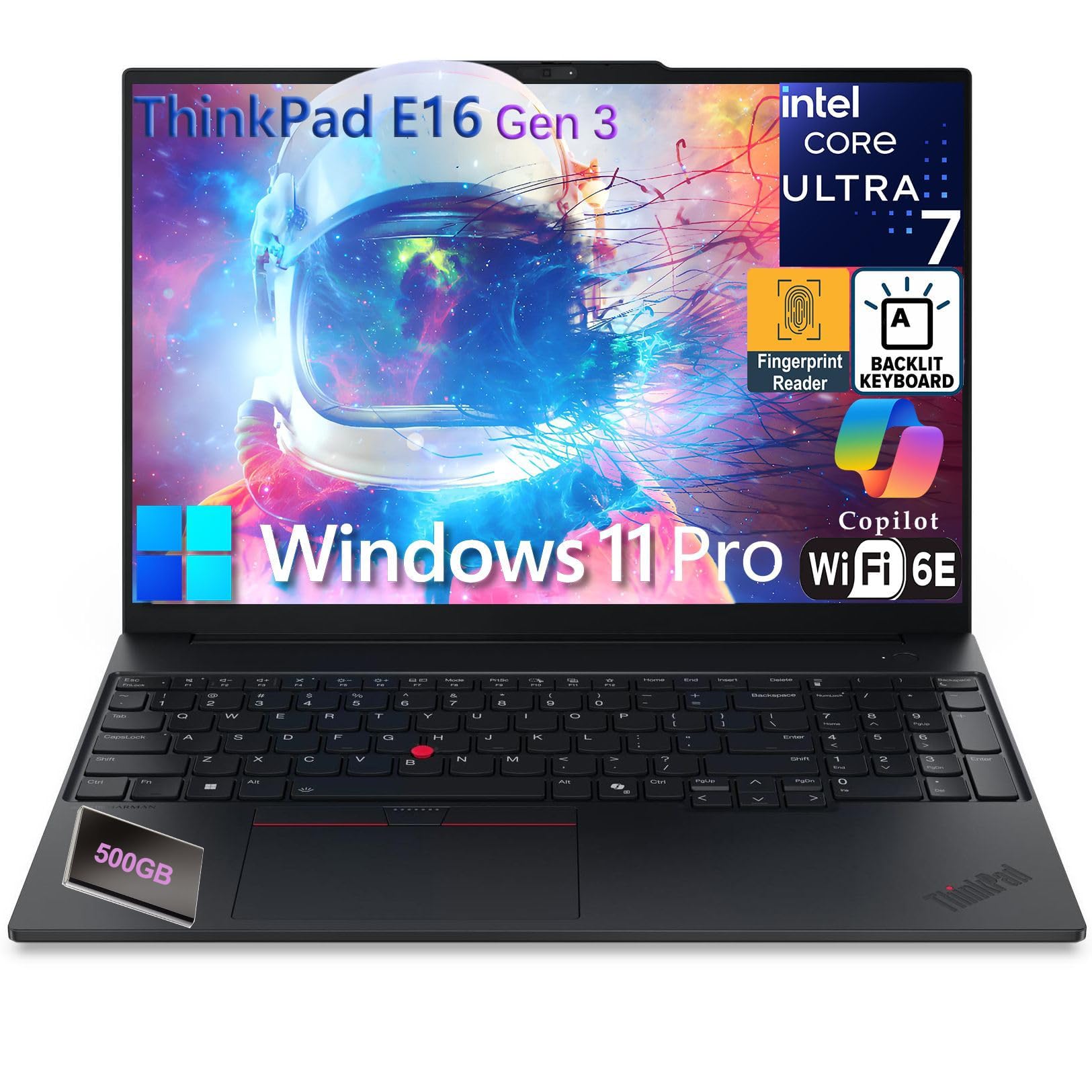
If your day involves a stack of containers, a local database and a virtual machine or two, memory is what you run out of first, and this ThinkPad E16 configuration has 64GB of it. The Core Ultra 7 255H has 16 cores, the SSD is a very large 8TB, and the 16-inch anti-glare IPS screen is 1920×1200. It has the ports a thin laptop makes you carry a dock for: Thunderbolt 4, a second USB-C port at 20Gbps, two USB-A ports, HDMI 2.1 and Ethernet, plus Wi-Fi 6E. It runs Windows 11 Pro and has a full-size backlit keyboard with a number pad. Owners give it an excellent owner rating across a smaller but consistent set of owner reviews. The screen’s 45% NTSC color coverage is its weak point.
- 64GB of RAM runs Docker, databases and virtual machines side by side
- 16-core Core Ultra 7 255H for faster builds
- Anti-glare 16:10 screen
- Thunderbolt 4, HDMI 2.1 and a real Ethernet port
- Backlit keyboard with number pad and a fingerprint reader
- an excellent owner rating across a smaller but consistent set of owner reviews, the highest rating here
- 45% NTSC panel is fine for code and weak for color work
- A 16-inch laptop is not one you carry everywhere
- This listing is a high-memory, high-storage configuration; confirm the RAM and SSD shown on Amazon before ordering
Microsoft Surface Laptop (2024), Windows 11 Copilot+ PC, 13.8 inch Touchscreen Display, Snapdragon X Elite (12 core), 16GB RAM, 512GB SSD
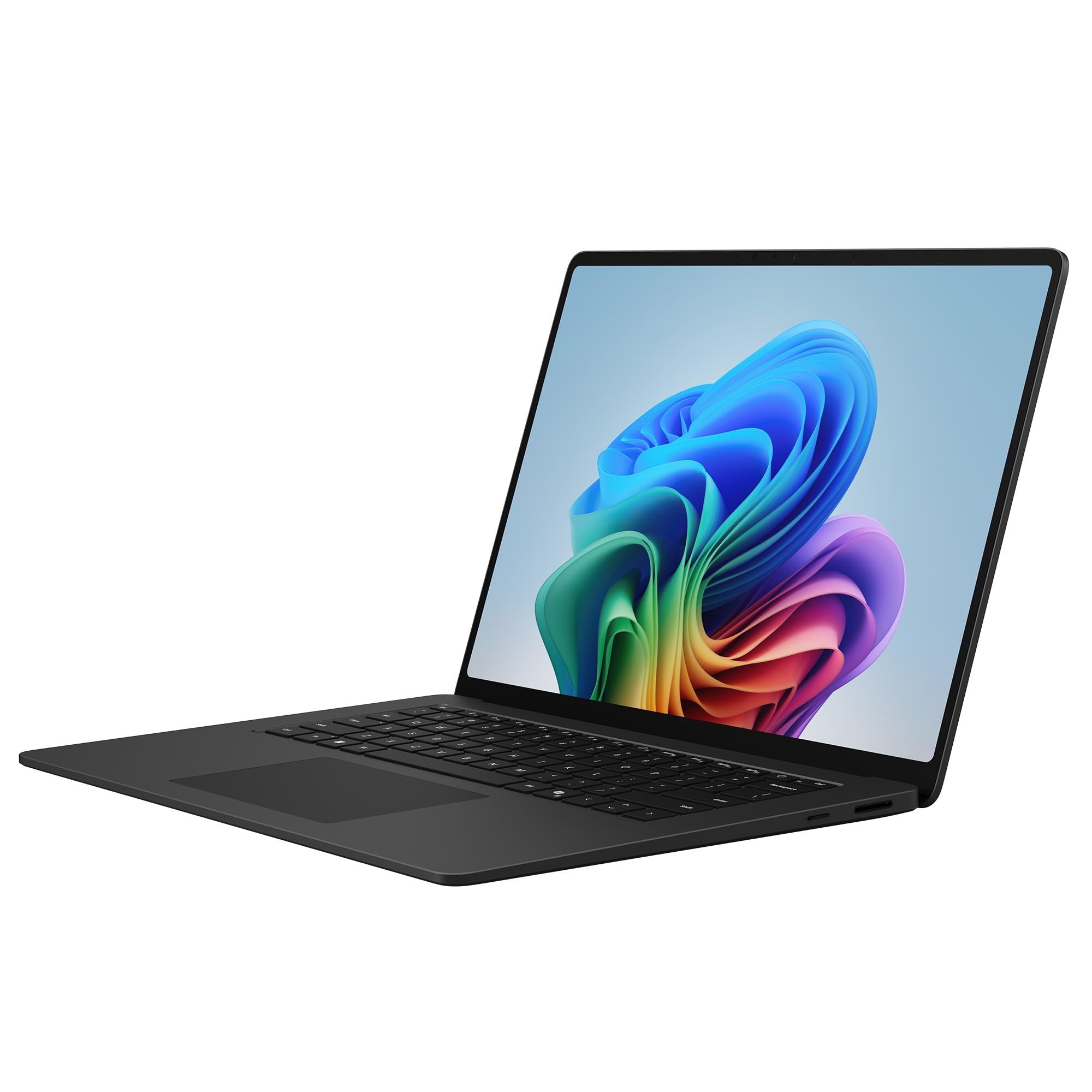
The Surface Laptop is the pick if battery life and screen quality come first. Microsoft claims up to 20 hours, and the 13.8-inch touchscreen is 2304×1536, the highest resolution on this page. The catch for developers is the chip. The Snapdragon X Elite is an Arm processor, so Windows runs older x86 programs through emulation, and some low-level tools, drivers and virtual machine setups do not work. For web and cloud work in a browser, an editor and WSL it is a quiet, long-lasting machine; if your toolchain is x86-only, pick one of the Intel or AMD laptops here instead. Owners give it a strong owner rating.
- Microsoft claims up to 20 hours of battery life
- Sharpest screen here at 2304×1536, and it is a touchscreen
- 12-core Snapdragon X Elite
- hundreds of owner reviews, with a strong owner rating
- Arm chip: some x86-only tools, drivers and virtual machines do not run; check your stack first
- 16GB of RAM and 512GB of storage in this configuration
- Windows 11 Home, not Pro
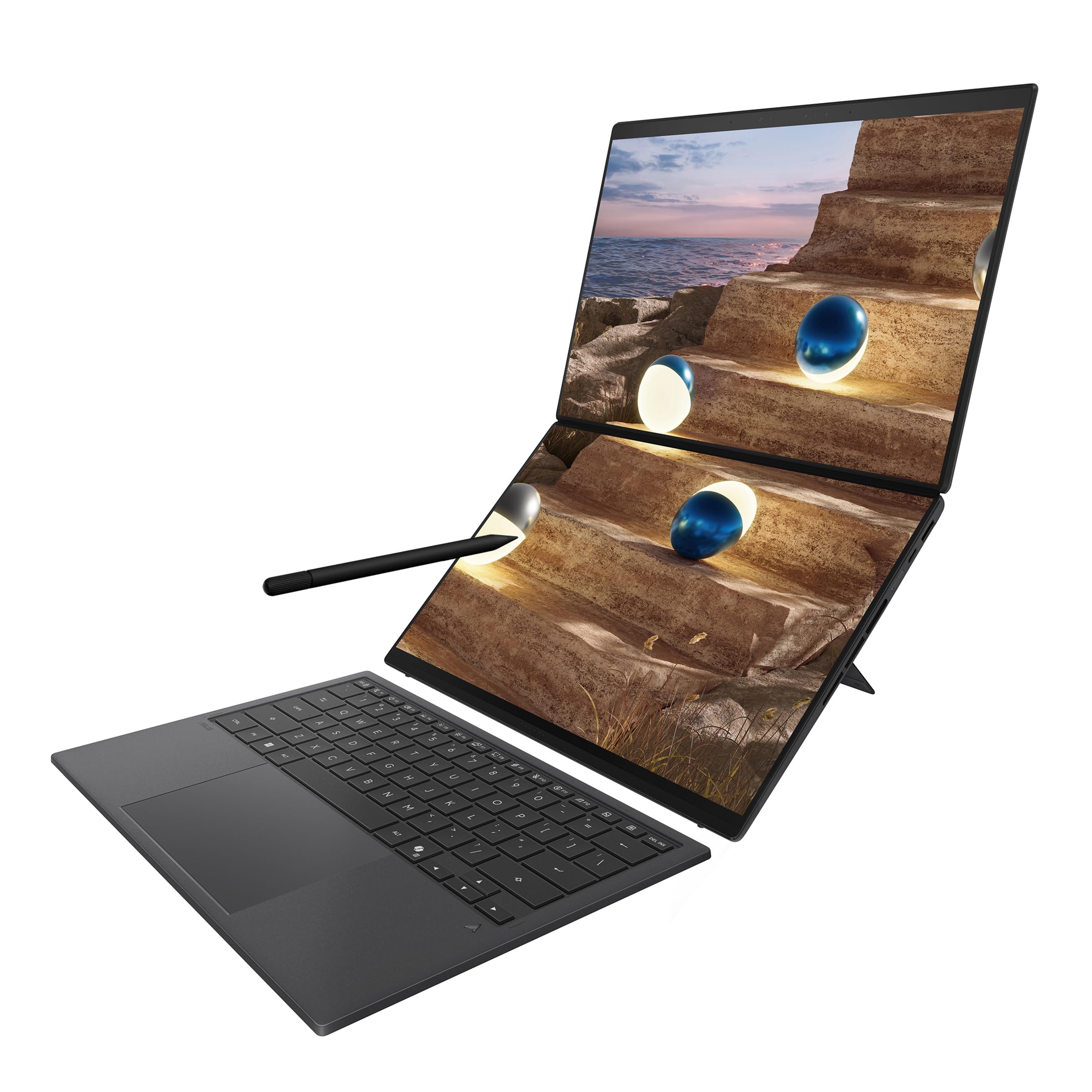
ASUS ROG Strix G16 (2025) Gaming Laptop, 16 inch FHD+ 16:10 165Hz, NVIDIA GeForce RTX 5060, Intel Core i7 Processor 14650HX

This is the one pick with a discrete GPU, and that is the only reason to buy it for programming. If you train or run models locally, work in Unreal or Unity, or write GPU code, the GeForce RTX 5060 with 8GB of memory does work that integrated graphics cannot. The Core i7-14650HX, 1TB Gen 4 SSD and a cooling system with a vapor chamber and three fans keep long builds moving. The 16-inch screen is 16:10 at 165Hz, and Stealth Mode switches the light bar off in a meeting. It weighs 2.65 kg and is a gaming laptop at heart, so treat it as a desk machine that can travel. hundreds of owner reviews give it a strong owner rating.
- RTX 5060 with 8GB of video memory for CUDA, local models and game engines
- 16:10 screen at 165Hz with an anti-glare film
- Vapor chamber and three fans for sustained loads
- Stealth Mode turns off the RGB lighting for the office
- hundreds of owner reviews, with a strong owner rating, the most reviewed pick here
- 2.65 kg before the charger
- A gaming laptop: expect short battery life and fan noise under load
- 16GB of RAM in this configuration

Cheap laptops usually skimp on exactly the things a developer needs: RAM, storage and cores. This IdeaPad Slim 3 configuration gets those right, with an 8-core Ryzen 7 5825U, 16GB of RAM and a 512GB SSD. The 15.6-inch touchscreen is anti-glare at 300 nits, there is a USB-C port, two USB-A ports, HDMI that drives a 4K monitor at 60Hz and an SD reader, and Lenovo lists up to 10 hours of battery. The compromises are a 16:9 screen and an older chip. It will get you through a bootcamp or a CS degree without complaint. Owners give it a strong owner rating.
- 8-core Ryzen 7 with 16GB of RAM and a 512GB SSD at a budget price
- Anti-glare screen
- USB-C, two USB-A, HDMI and an SD card reader
- Up to 10 hours of battery and MIL-STD 810H durability
- a strong owner rating across a smaller but consistent set of owner reviews
- 16:9 1080p screen, so fewer lines of code than the 16:10 picks
- Ryzen 5000-series chip is several generations old
- 720p webcam
Comparison at a glance
| Product | Chip | RAM / SSD | Screen | Our score | Our score | |
|---|---|---|---|---|---|---|
| Lenovo Slim 7i Aura EditionLenovo | Core Ultra 7 256V | 16GB / 1TB | 14" OLED 16:10 | 8.7/10 | 8.7 | See price |
| Lenovo ThinkPad E16 Gen 3Lenovo | Core Ultra 7 255H | 64GB / 8TB | 16" IPS 16:10 anti-glare | 9.1/10 | 9.1 | See price |
| Microsoft Surface Laptop (2024)Microsoft | Snapdragon X Elite (Arm) | 16GB / 512GB | 13.8" 2304×1536 touch | 8.6/10 | 8.6 | See price |
| ASUS ROG Strix G16 (2025)ASUS | Core i7-14650HX + RTX 5060 | 16GB / 1TB | 16" 16:10 165Hz | 8.8/10 | 8.8 | See price |
| Lenovo IdeaPad Slim 3Lenovo | Ryzen 7 5825U | 16GB / 512GB | 15.6" 1080p touch | 8.8/10 | 8.8 | See price |
Mac, Windows or Linux for development?
- macOS is the path of least resistance for web, mobile (required for iOS) and most backend work. Homebrew and a Unix shell mean almost every tool works as documented. Our catalog has no current MacBook with owner reviews, which is why none is ranked above.
- Windows is required for .NET Framework, some enterprise tooling and game development with certain engines. WSL2 gives you a real Linux environment inside Windows and has made Windows a much better developer platform than it was.
- Linux is the target for most servers, so developing on it removes surprises. Hardware support is excellent on ThinkPads and Dell XPS models, patchy on others.
None of these is wrong. Pick the one your team and your target platform use.
Frequently asked questions
Is 16GB of RAM enough for programming in 2026?
For learning and light web work, yes. For a professional running an IDE, Docker, a browser and a database at once, 24GB or 32GB avoids swapping. Because most laptops now solder RAM, buy more than you need today. Of the picks here, only the ThinkPad E16 Gen 3 configuration goes past 16GB, with 64GB.
Do I need a dedicated GPU?
Only for machine learning training, 3D or game development. Integrated graphics handle IDEs, browsers, and multiple monitors without issue. The ASUS ROG Strix G16 is the only pick here with one.
Is a Snapdragon (Arm) laptop fine for development?
For web, cloud and scripting work, usually yes: the common editors, browsers and WSL run on Windows on Arm. Older x86-only tools run through emulation, and some drivers, kernel-level tools and virtual machines do not work at all. Check your own stack before buying the Surface Laptop.
13-inch or 14-inch or bigger?
13 to 14 inches is the sweet spot for portability. At a desk you will use an external monitor anyway. Go 15 or 16 only if the laptop is your only screen most of the time.
The bottom line
Buy the Lenovo Slim 7i Aura Edition for a light all-rounder. Containers and virtual machines: ThinkPad E16 Gen 3 with 64GB. Longest battery: Microsoft Surface Laptop, if your tools run on Arm. GPU work: ASUS ROG Strix G16. Tight budget: IdeaPad Slim 3.
See the Lenovo Slim 7i Aura Edition on Amazon ↗Do Best Deal is a participant in the Amazon Services LLC Associates Program. As an Amazon Associate we earn from qualifying purchases. If you buy through links on this site we may earn a commission, at no extra cost to you. Learn more.