On a call, the microphone is what other people experience of you. A great pair of headphones with a bad mic makes you the person everyone asks to repeat themselves. So this list puts the microphone first, comfort second, and sound quality third.
We went through the headsets in our catalog and kept five that are built for calls, carry a meaningful number of owner reviews and average a solid owner rating or better. We have not worn every one ourselves; the verdicts lean on the listed specs and on owner reviews. Prices are not printed because they change daily; every button opens the live Amazon page.
What matters for calls
- Boom mic beats built-in mic. A microphone on an arm near your mouth picks up you and not the room. Three of the five picks here have a rotating boom.
- Noise-cancelling microphone, not just noise-cancelling earcups. The mic needs to reject a keyboard, a fan or a café.
- Comfort over hours. Clamping force and earcup material matter more than any spec after the third hour.
- Wireless with a USB dongle. Bluetooth alone is inconsistent on Windows for calls. A dedicated dongle gives a stable connection and better mic quality.
- Certification for Teams or Zoom means the buttons and mute indicator are guaranteed to work with those apps. None of the picks below lists that certification; they work as normal audio devices in every calling app.
The picks

The H390 is the headset to buy when you want calls to work and nothing else. You plug the USB-A connector in and the computer sees it; there is no software, no pairing and no battery to run flat during a long meeting. The boom microphone is noise-canceling and rotates up when you are not talking, the cable has volume and mute controls, and the 6.23-foot cord is long enough to stand up and stretch. The ear cushions are padded leatherette on swivel mounts. tens of thousands of owner reviews have rated it, with an average of a strong owner rating, and it costs a fraction of a wireless headset.
- Noise-canceling boom mic that rotates out of the way
- Plug and play over USB-A, no software and no battery
- Volume and mute controls on the cable
- tens of thousands of owner reviews, with a strong owner rating, by far the most reviewed pick here
- Certified Works With Chromebook
- Wired, so you are tied to the desk
- No noise cancelling for the wearer
- USB-A plug; laptops with only USB-C ports need an adapter

If you take calls in a loud place, an open-plan office or a house with children, this is the pick. The Angteela M112 has active noise cancelling in the earcups with three modes and separate environmental noise cancelling on the microphone, so it works on both what you hear and what others hear. It ships with a Qualcomm USB-A dongle for the computer and also pairs over Bluetooth 5.4, so it can stay connected to a laptop and a phone at the same time. Flip the boom up and you are muted. A two-hour charge gives up to 35 hours of talk time, and a charging station is included. thousands of owner reviews give it a strong owner rating.
- USB dongle gives a steadier link than plain Bluetooth
- Flip the boom up to mute
- Noise cancelling for both your ears and your microphone
- Stays connected to a computer and a phone at once
- Up to 35 hours of talk time, with a charging stand in the box
- Little-known brand (Angteela) with a 1-year warranty
- Dongle does not work with desk phones or VoIP phones
- a strong owner rating across thousands of owner reviews, far fewer than the Logitech

The Lenovo is the light one. At 138 grams it is light for an over-ear wireless headset, and the earcups can be replaced, which matters on a headset you wear for hours. It connects over Bluetooth 5.3 to two devices at once, so a call on the phone and a meeting on the laptop share one headset, and Lenovo lists up to 31 hours of talk time or 60 hours of music. Calls go through a three-microphone noise suppression system. It is a newer product with a smaller but consistent set of owner reviews with a solid owner rating, so treat it as the least proven pick on this page.
- Only 138 g, easy to wear through a long day
- Pairs with two devices at the same time
- Up to 31 hours of talk time per charge
- Earcups can be replaced when they wear out
- 2-year manufacturer warranty
- a smaller but consistent set of owner reviews so far, with a solid owner rating, the least proven pick here
- Bluetooth only; no USB dongle is listed
- No active noise cancelling for the wearer

The H111 is the headset for people who need a boom mic and want to spend as little as possible. It has a single 3.5 mm plug, a noise-cancelling microphone on a boom that rotates to either side, an adjustable headband, and nothing else. There are no controls on the headset and no USB, so your device needs a headset jack. Logitech lists it for Windows, macOS, ChromeOS, Linux and phones or tablets. tens of thousands of owner reviews give it a solid owner rating, mostly as a spare or a first headset for online classes and calls.
- The cheapest pick here
- Noise-cancelling boom mic that can sit on either side
- One 3.5 mm plug works with laptops, tablets and phones that have a headset jack
- tens of thousands of owner reviews, with a solid owner rating
- No mute or volume controls on the headset
- Needs a headset jack; many new phones and some laptops have none
- Basic build and sound
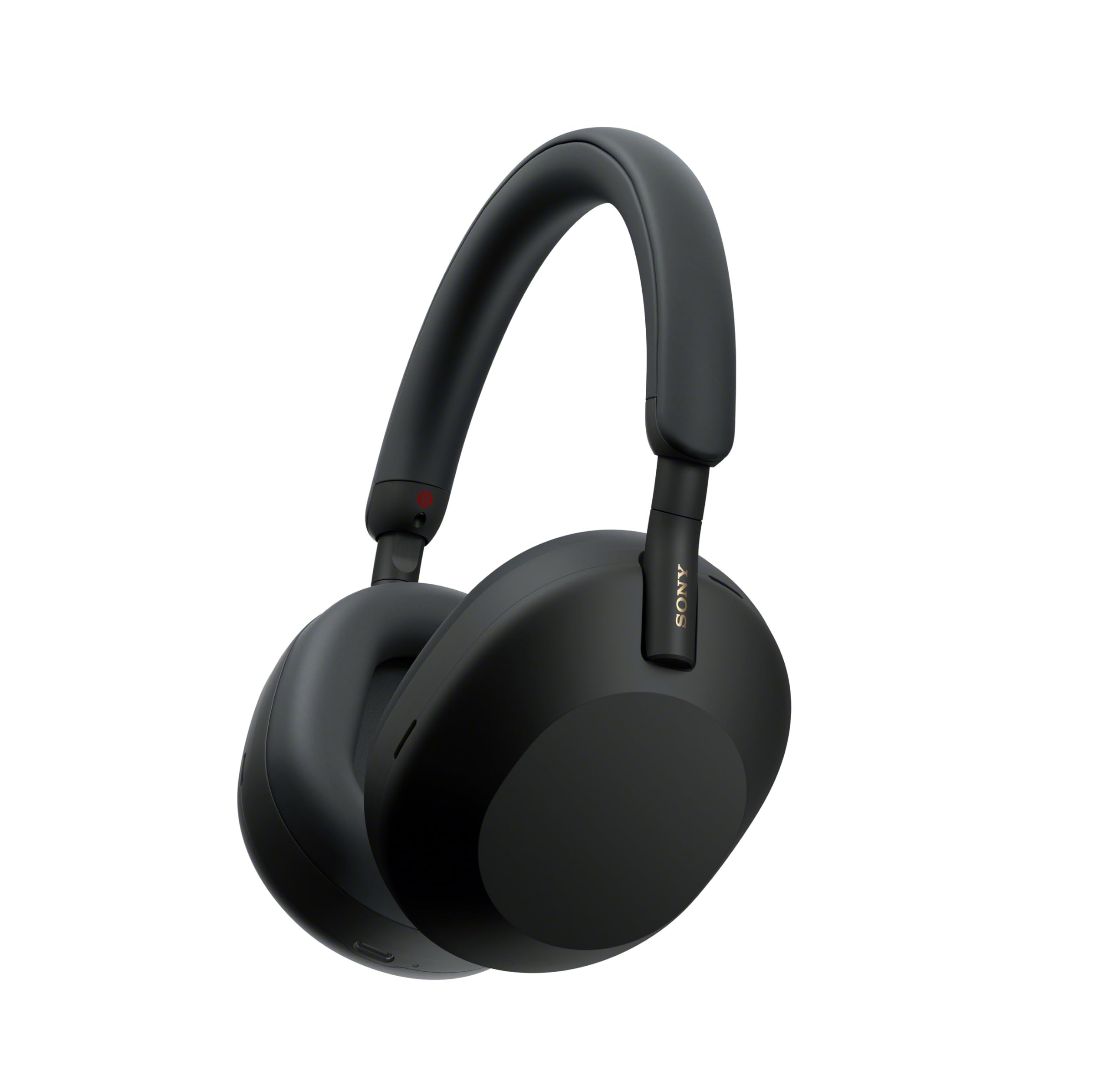
Sony WH-1000XM5 Premium Noise Cancelling Wireless Headphones
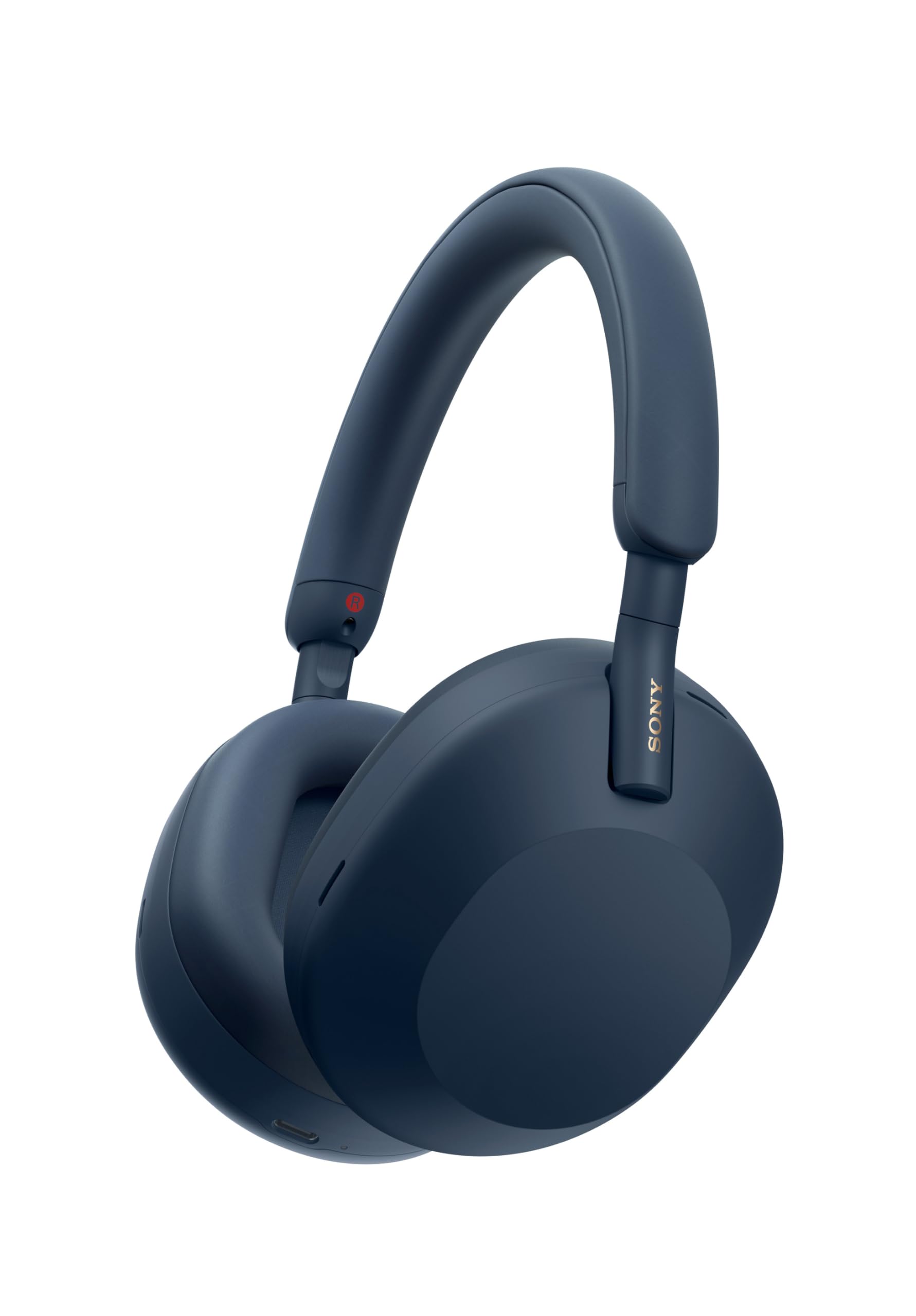
Some people will not wear a boom mic, and for them the XM5 is the pick. Sony uses four beamforming microphones for calls and eight microphones with two processors for noise cancelling, and it works fine in a quiet room. In a noisy one a built-in mic struggles more than a boom does. What you get in return is strong noise cancelling, up to 30 hours of battery, multipoint and a comfortable lightweight over-ear fit. If calls are 20% of your day and music is the rest, this is a defensible choice. tens of thousands of owner reviews give it a solid owner rating.
- The strongest noise cancelling on this list
- Four beamforming mics for calls without a boom
- Multipoint switches between laptop and phone
- A 3-minute charge gives 3 hours of playback
- tens of thousands of owner reviews
- A built-in mic sits far from your mouth, so it picks up more of the room than a boom
- No USB dongle
- The most expensive pick here, and its solid owner rating is not the highest
Comparison at a glance
| Product | Mic | Connection | Noise control | Our score | Our score | |
|---|---|---|---|---|---|---|
| Logitech H390Logitech | Rotating boom | USB-A wired | Mic only | 8.6/10 | 8.6 | See price |
| Angteela M112 wirelessAngteela | Flip-to-mute boom | USB dongle + Bluetooth 5.4 | Hybrid ANC + mic ENC | 8.6/10 | 8.6 | See price |
| Lenovo Wireless Stereo HeadsetLenovo | Three-mic suppression | Bluetooth 5.3, 2 devices | Mic only | 8.3/10 | 8.3 | See price |
| Logitech H111Logitech | Rotating boom | 3.5 mm jack | Mic only | 8.4/10 | 8.4 | See price |
| Sony WH-1000XM5Sony | Built-in, 4 beamforming | Bluetooth 5.2 + 3.5 mm | Active, 8 mics | 8.4/10 | 8.4 | See price |
Frequently asked questions
Are AirPods or earbuds good enough for work calls?
In a quiet room, yes. In any noise, no. Earbud mics sit far from your mouth and pick up the room. If you take more than a couple of calls a day, a boom mic is a clear upgrade for everyone listening to you.
Bluetooth or USB dongle?
Use the dongle on a computer. It gives a more stable connection and works on computers without Bluetooth. Use Bluetooth for your phone. Of the picks here, the Angteela M112 includes a dongle.
Wired or wireless?
Wired headsets like the Logitech H390 and H111 never run out of battery and never need pairing, which is why offices still hand them out. Wireless lets you walk to the kitchen mid-call. If you sit at one desk all day, wired is the simpler choice.
Do I need Teams or Zoom certification?
It guarantees the buttons, mute light and call controls work with that app. If your company lives in Teams, it is worth having. Otherwise any headset works as a normal audio device.
The bottom line
Most people on calls all day should buy the Logitech H390. In a loud environment, the Angteela M112 with noise cancelling and a dongle. For the lightest wireless option, the Lenovo Wireless Stereo Headset. On the tightest budget, the Logitech H111. If you will not wear a boom, the Sony WH-1000XM5 is the compromise.
See the Logitech H390 on Amazon ↗Do Best Deal is a participant in the Amazon Services LLC Associates Program. As an Amazon Associate we earn from qualifying purchases. If you buy through links on this site we may earn a commission, at no extra cost to you. Learn more.